Your fintech design director, in Claude and ChatGPT
It reviews your app and website screens, suggests ideas, and draws the fix or a whole new flow in Figma.
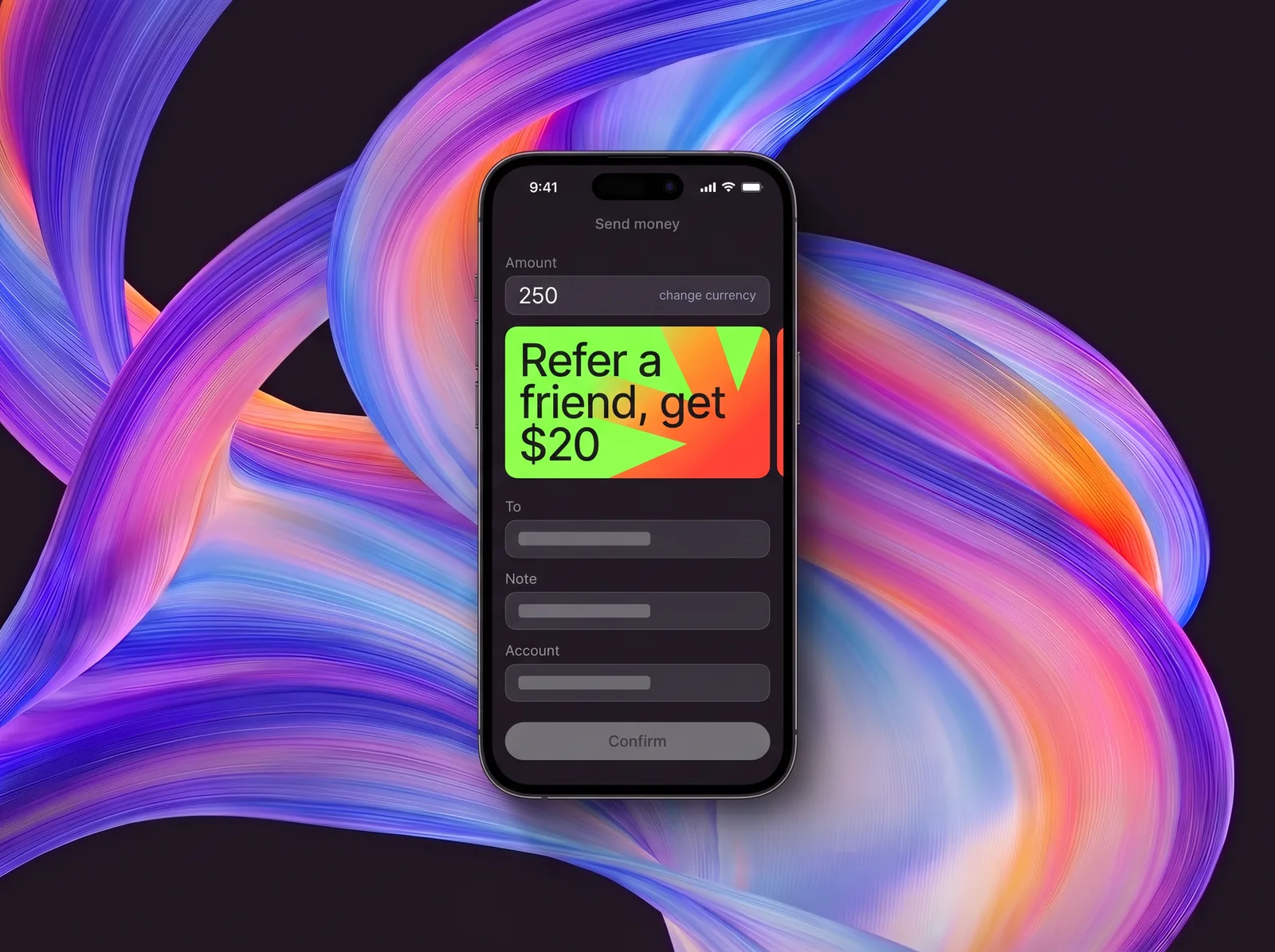
Trained on our work with banks and fintechs
- fintech unicorns
- 4
- major banks
- 20
- fintech startups
- 40+
Turn one line into ideas or Figma screens
Four requests a fintech product owner might type, from KYC to failed top-ups.
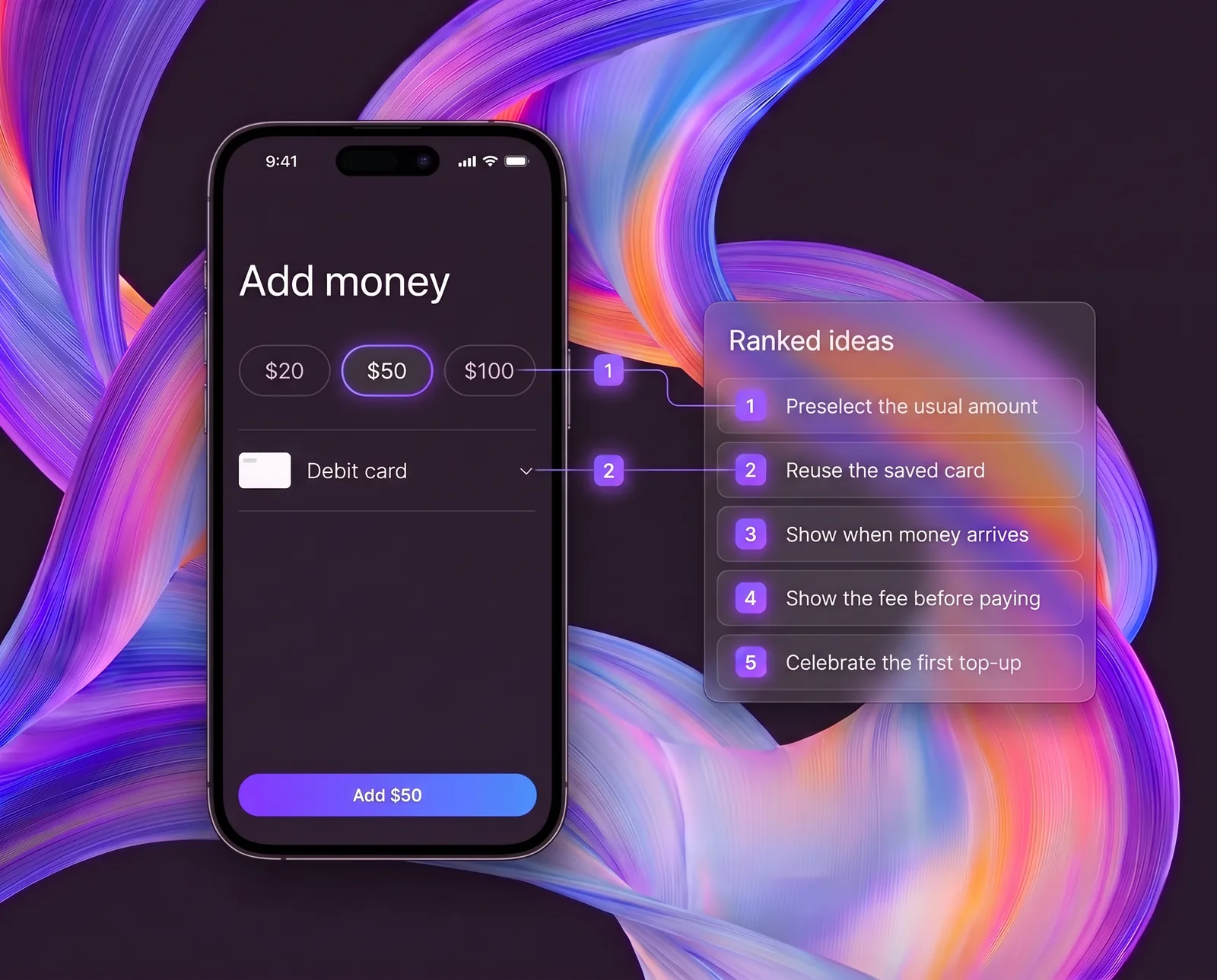
Example 1Find ways to improve top-up conversion for new users
Ranked ideas for the first top-up, each tied to the screen to change.
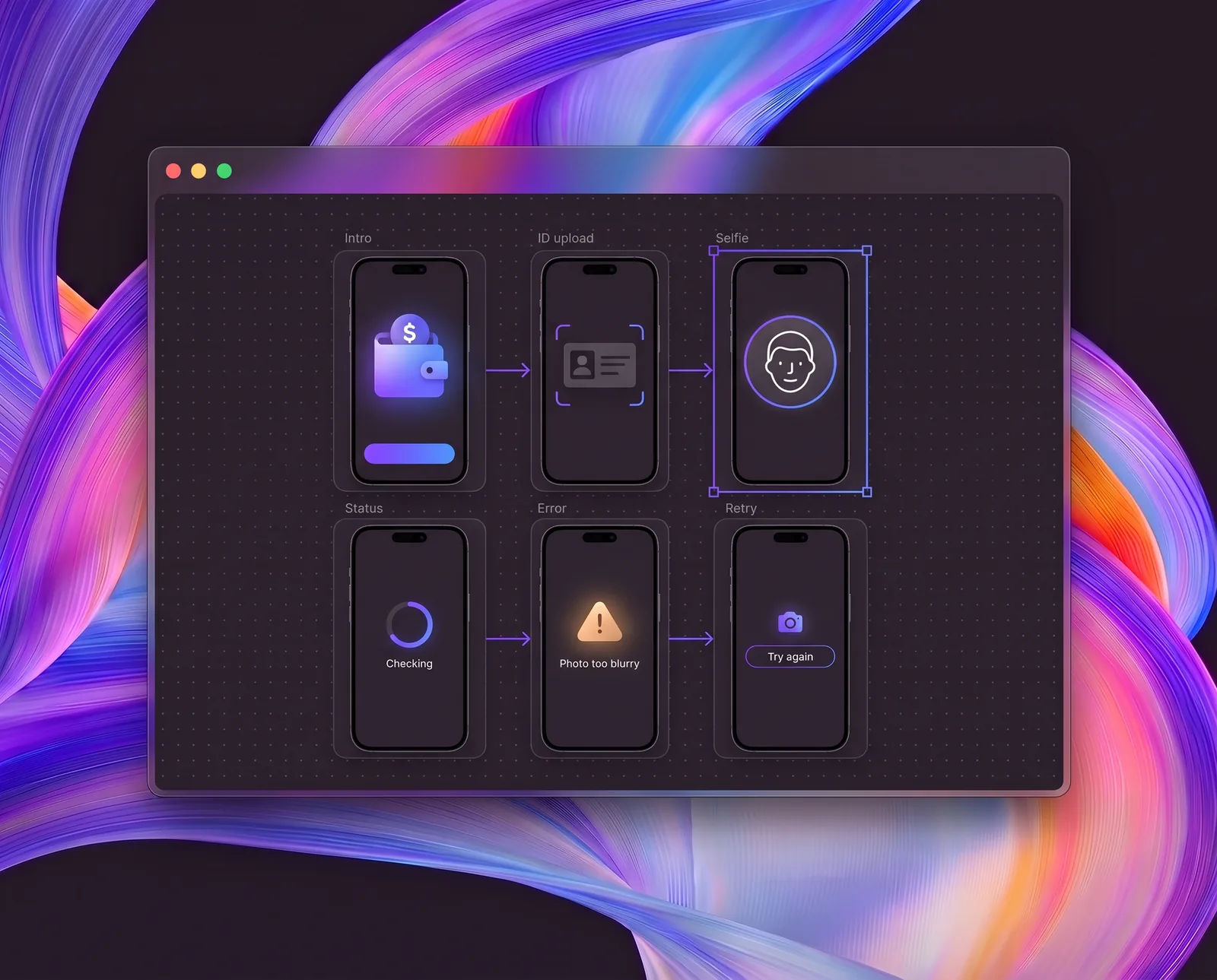
Example 2Draw KYC for a USD wallet
A full KYC flow in Figma: intro, ID upload, selfie, status, error, and retry screens.
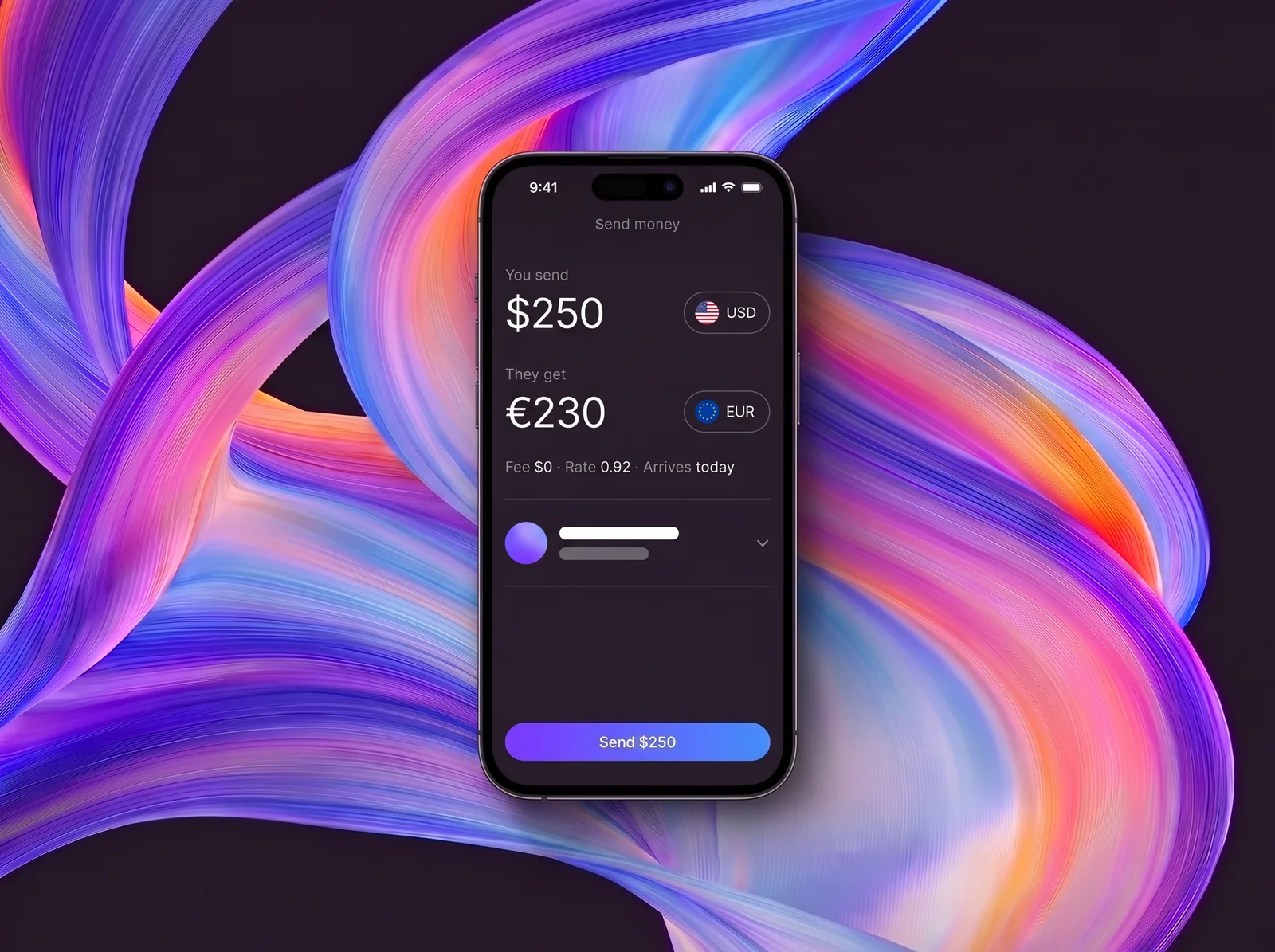
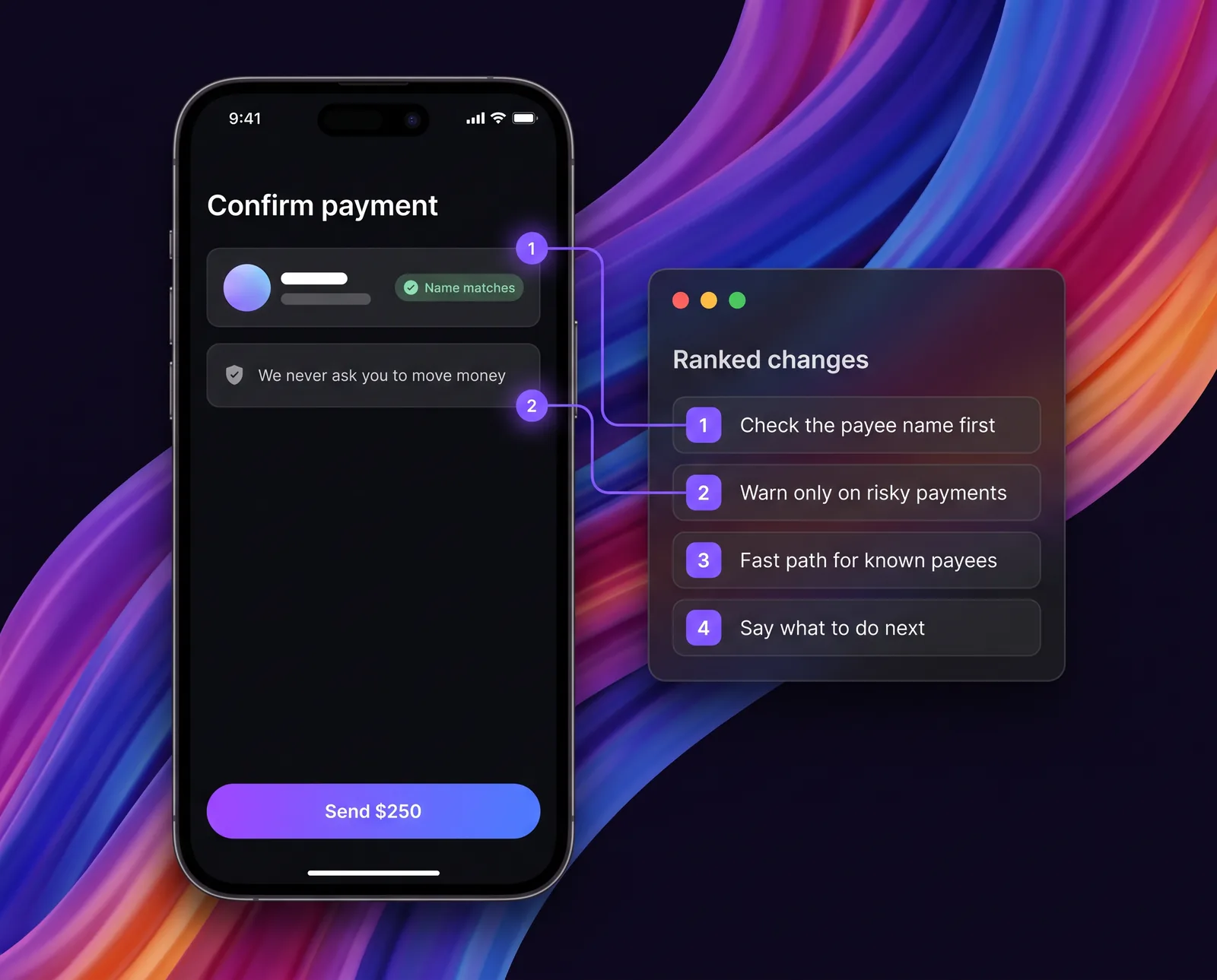
Example 3Review our send-money flow for scam warnings that keep payments moving
Ranked changes to warnings and payee checks, with a fast path for low-risk payments.
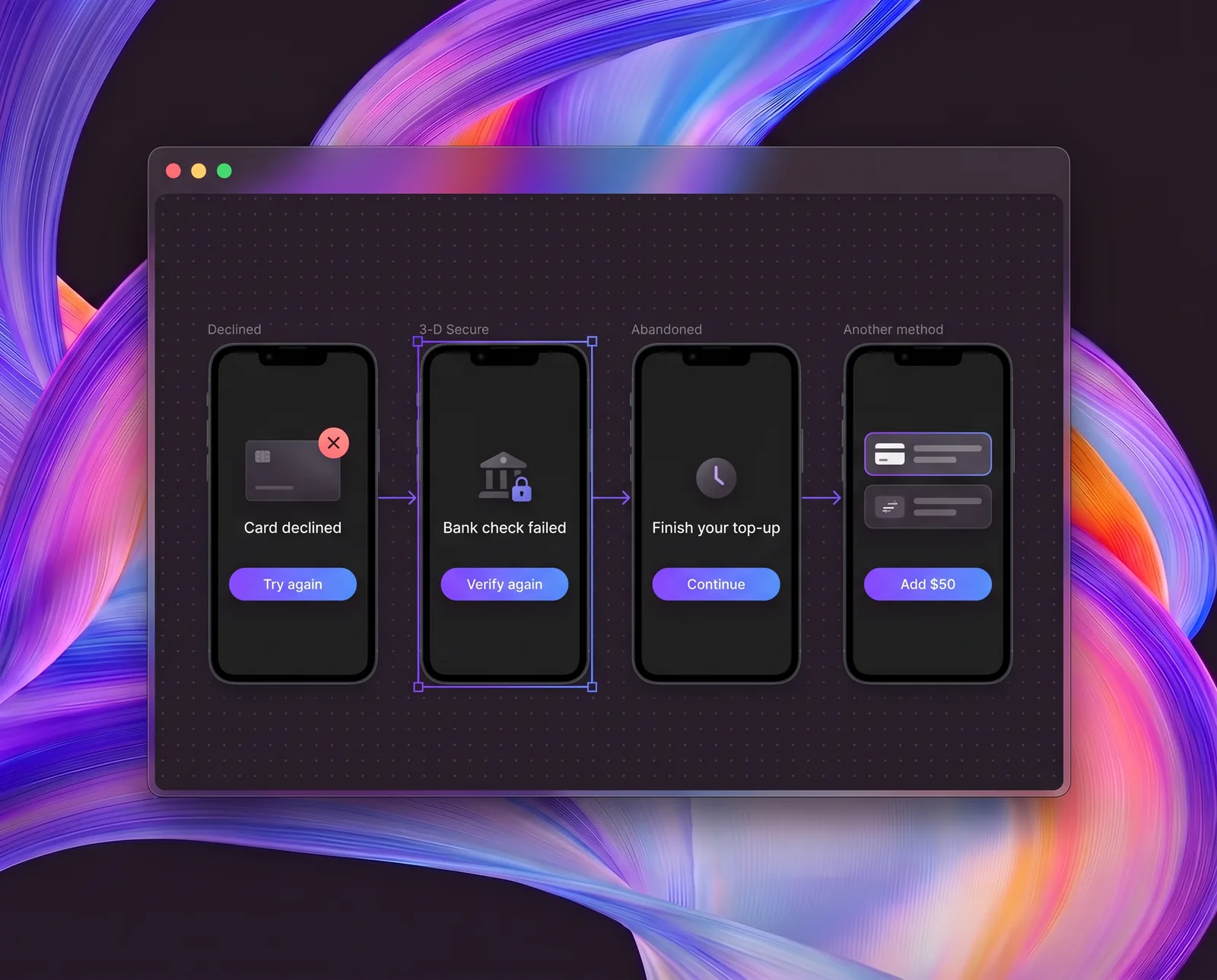
Example 4Draw the failed card top-up and recovery screens
Declined, failed 3-D Secure, and abandoned top-up screens, each with one clear next step.
- Example 1
Find ways to improve top-up conversion for new users
Ranked ideas for the first top-up, each tied to the screen to change.
- Example 2
Draw KYC for a USD wallet
A full KYC flow in Figma: intro, ID upload, selfie, status, error, and retry screens.
- Example 3
Review our send-money flow for scam warnings that keep payments moving
Ranked changes to warnings and payee checks, with a fast path for low-risk payments.
- Example 4
Draw the failed card top-up and recovery screens
Declined, failed 3-D Secure, and abandoned top-up screens, each with one clear next step.
How it works
- Step 01
Add it to Claude or ChatGPT
Download the skill for Claude or for ChatGPT and add it in Skills. It also works in Claude Code and Codex.
- Step 02
Ask for ideas or a new flow
Attach screenshots, a live URL, or a Figma file, then ask in plain words.
- Step 03
Get ideas or Figma frames
Ranked ideas, each tied to a screen, or ready frames drawn in Figma.
What it knows
Every idea it suggests and every screen it draws follows these checks.
Onboarding and KYC
- Steps to first value
- Why each document
- Selfie guidance
- Pending verification
Home screen
- Balance first
- Promo clutter
- Easy navigation
Payments and transfers
- Steps to confirm
- Fee, rate, and ETA
- Recipient checks
Cards
- Quick card controls
- Card setup
- Secure card details
Errors and edge cases
- Clear decline messages
- Hitting a limit
- Timely fraud warnings
Trust and fees
- Fees and limits
- Security and licensing
- Plain language
Accessibility
- Contrast and sizing
- Screen reader labels
- WCAG 2.2 AA
Website
- Reason to download
- Store links and QR
- Trust signals
Download the skill
- Screenshots, Figma frames, or a live URL
- Mobile app screens and website pages
- Usability basics: hierarchy, buttons, readability, and tap targets
- Trust check: fees, security cues, and licensing info
- Plain-language check for money copy
- Ranked issues and ideas, each with a fix
- Pattern library from top fintech appsCore library
one-time, yours to keep
Buy Pro for $120- Screenshots, Figma frames, or a live URL
- Mobile app screens and website pages
- Usability basics: hierarchy, buttons, readability, and tap targets
- Trust check: fees, security cues, and licensing info
- Plain-language check for money copy
- Ranked issues and ideas, each with a fix
- Pattern library from top fintech appsFull library, updated for 12 months
- Full journeys: onboarding and KYC, payments, and cards
- Step-by-step benchmark against Revolut, Monzo, and Wise
- Edge cases: declines, failed payments, limits, and fraud warnings
- Accessibility check against WCAG 2.2 AA
- Ready-to-paste copy and a fix plan for Jira or Linear
- BonusA 30-minute set-up call
Questions
How do I add the skill to Claude or ChatGPT?
Claude: turn on code execution in Settings, under Capabilities. Then upload the ZIP in Customize, under Skills. In Claude Code, unzip it into your skills folder. ChatGPT: open Skills, choose Create, then Upload from your computer, and pick the ZIP. It also works in Codex. The skill needs nothing else to review and design. To draw in Figma, connect Figma: the Figma connector in the Claude desktop app, the Figma plugin in Claude Code or Codex, or the Figma app in ChatGPT. Drawing needs a Full seat on a paid Figma plan and edit access to the file.
Can my whole team use Pro?
Yes. Pro is for use across your team. On Claude Team and Enterprise plans, an owner can add the skill for the whole organization.
Is Pro really a one-time payment?
Yes. You pay $120 once through Stripe, and the skill is yours to keep. It includes 12 months of library updates and a 30-minute set-up call with a Humbleteam design director as a bonus.
Do you see our screens?
No. The skill runs inside your own Claude or ChatGPT. Humbleteam never sees your screens or files.
What does “trained” mean?
We distilled anonymized patterns, checks, and examples from our fintech client work into the skill. No client names or screens ship inside it.
Are you affiliated with Revolut, Monzo, or Wise?
No. Humbleteam is not affiliated with or endorsed by any brand named on this page. We benchmark against public screens of their apps and websites.
Does it replace a designer or an accessibility audit?
No. It gives your team ideas and Figma drafts to act on, not a formal audit or research with real users.
Why do you ask for a work email?
We send the download link there, and your work email tells us which company uses the skill, so we can stay in touch. No card and no payment.
Work with the team behind the skill
Bring the ideas or Figma drafts to a call. Our fintech team turns them into finished screens.



