Stop losing customers to a confusing AI experience
We redesign the AI workflows where users get stuck, helping them complete tasks faster and your business reduce churn.
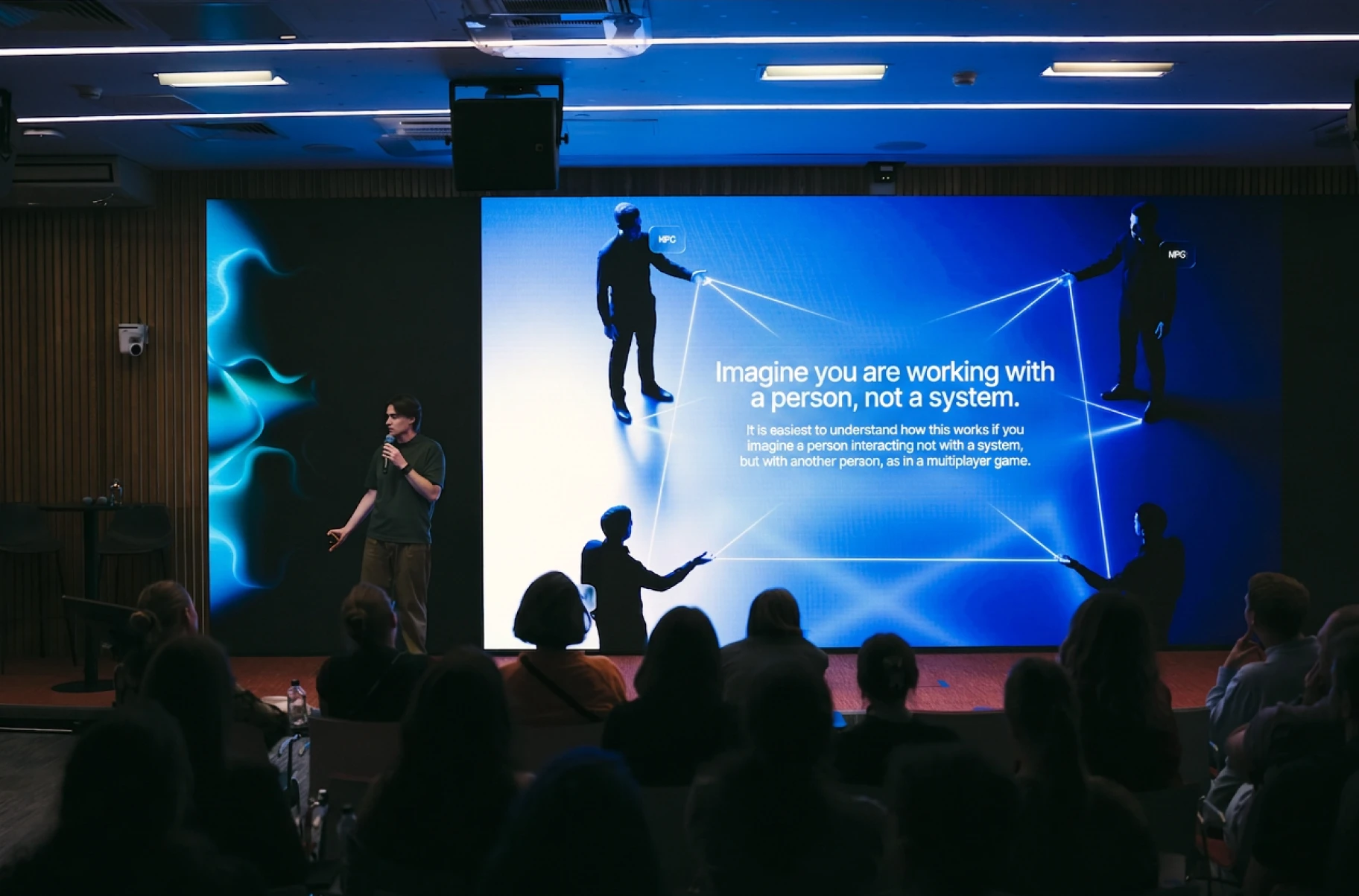
Make your AI easier to adopt
We redesign the experience from finding an AI feature to acting on its answer.
Start with an audit to see where your users need help.
- 01Put AI where the work happensA copilot hidden in a side panel behind a sparkle icon is easy to ignore. The user already has a way to do the task, and the panel asks them to learn a second one. We bring AI into the task it helps with.
- 02Give users answers they can checkWhen output arrives with no source, no confidence, and no way to check it, a finance or legal user cannot act on it. They redo the work by hand. We design the evidence beside the answer so they can review it.
- 03Show users what to askA blank field that says “Ask anything” gives people little to go on. People do not know what the model can do, so they type something small and leave when the answer is generic. We give them a clear starting point.
- 04Give every error a clear next stepA wrong answer, a timeout, a refusal, and a hallucinated field each need their own state and their own next step. When they share one red banner, the user learns that the feature is unreliable, not that one request failed.
- 05Help users learn through real tasksA tooltip walkthrough on first login explains the feature to someone who has no task yet. The moment to teach it is when the user is doing the thing the feature is for, inside the flow, with their own data.
Know what to fix before you build
Start with an audit, then redesign and test the screens that need attention. You can book the audit on its own.
Find what stops adoption
The AI feature UX audit, 1–2 weeks. We read the usage data you have, watch sessions, and map where people find the feature and where they leave. We also look at what they ask it. Adoption and completion become numbers your team can argue about.
Get screens your team can build
The entry point, the answer, the failure. We redesign those first, in your components, so engineering can ship them in a normal sprint.
Test with users before you build
A clickable prototype with output that looks real, put in front of 6 of your customers. Whether they trust the answer shows in whether they act on it.
See what changes after launch
Your team ships the screens. We compare the numbers from step 1 with the numbers after release and pick the next feature. That continues as a sprint or a retainer, whichever fits the roadmap.
Our AI case studies
AI experiences designed to reduce drop-off, increase repeat use, and make your product worth keeping.
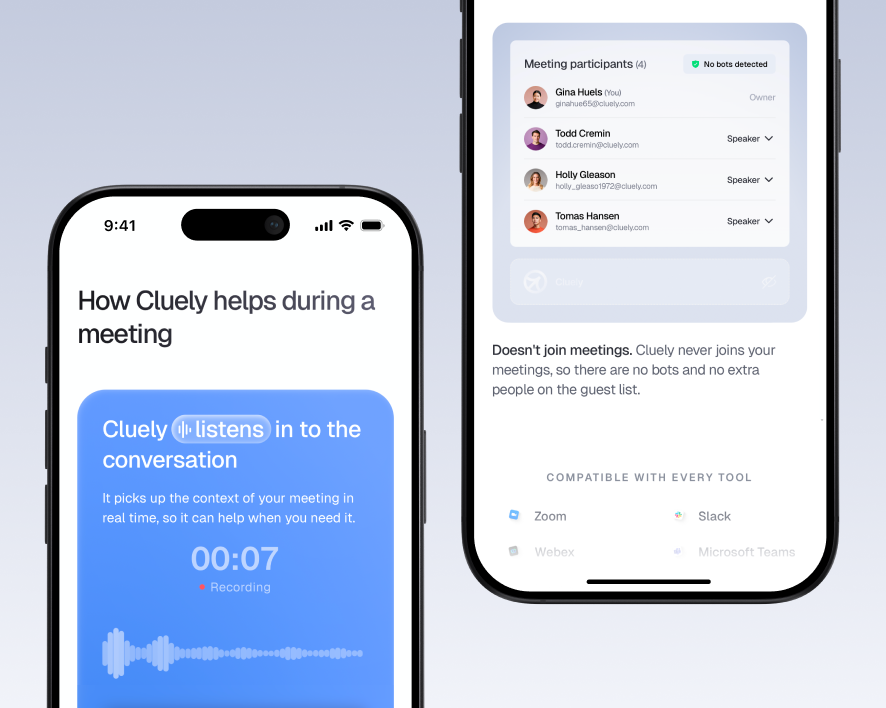
Cluely: Give users a reason to return
A meeting assistant needs to stay useful after the first try and fit into conversations without distracting users.
We designed the live suggestions, meeting summaries, and search across past calls.
The experience is built to turn occasional use into a meeting habit. Users get help during each call and can return afterward to find decisions and details, giving them recurring value from the product.
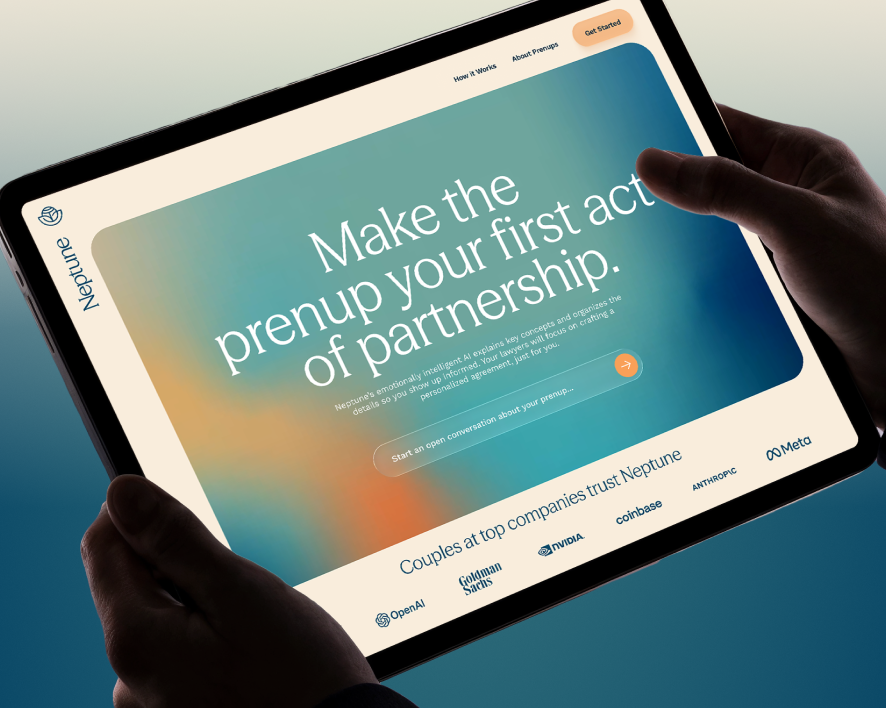
Neptune: Keep users moving toward completion
An unfamiliar legal process can leave couples stuck, postponing decisions and abandoning their prenup halfway through.
We designed the guided questionnaire and shared draft view.
The flow is built to reduce drop-off between the first question and a completed draft. Clear next steps help couples keep moving through the process and reach the result they came for.
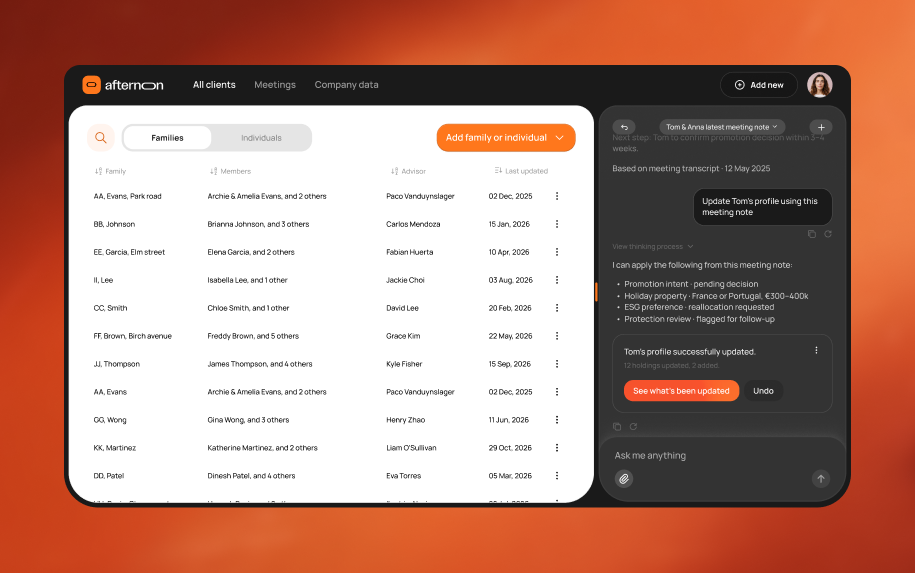
Afternoon: Make AI useful in recurring work
AI adoption stalls when advisers still have to write client reviews themselves or spend too much effort checking the output.
We designed the AI drafting assistant and the adviser’s review queue.
The workflow turns client reviews into an editing task. Each review becomes another opportunity to save time, making the AI useful in work advisers need to do repeatedly.
Keep your users in control of AI
Work with a team rated 4.9 on Clutch







































Get clear on scope, timing, and cost
Can you improve an AI feature we’ve already shipped?
Yes. Most teams come to us with the feature already live, so we begin with the AI feature UX audit: 1–2 weeks on the feature as it is, reading the usage you have and watching people use it. The result is a ranked list of what to change and 2–3 redrawn screens. If you go on to a sprint with us, the audit fee is credited against it.
Can we start without usage data?
Yes. Missing data is itself a finding: it usually means the feature was never instrumented for adoption and completion. We agree on the events to track in the first week and run sessions with your users in the meantime, so the first numbers are there by the time the redrawn screens are.
Do you need access to our model, prompts, or code?
No. We work on the interface between the model and the user: entry points, states, wording, and what a person can do with the output. We do need a working environment or recordings of the feature in use, and a conversation with whoever owns the prompts, because the wording on screen and the wording in the prompt have to agree.
What does an AI design project cost?
The audit is 1–2 weeks at $9,000. A redesign sprint on the screens the audit picks is 2–4 weeks at $24,000. A retainer for continuing AI feature work is $14,000 a month. Every price is confirmed on the call, after we have seen the product.
Should we choose product design or AI workflow training?
AI product design changes the experience your customers use. AI workflow training helps your own design team perform and review a repeatable task. We scope them separately because they have different users, deliverables, and measures of success.
Last updated



