Cluely: Platform UX for a real-time AI meeting assistant that stays out of the conversation.
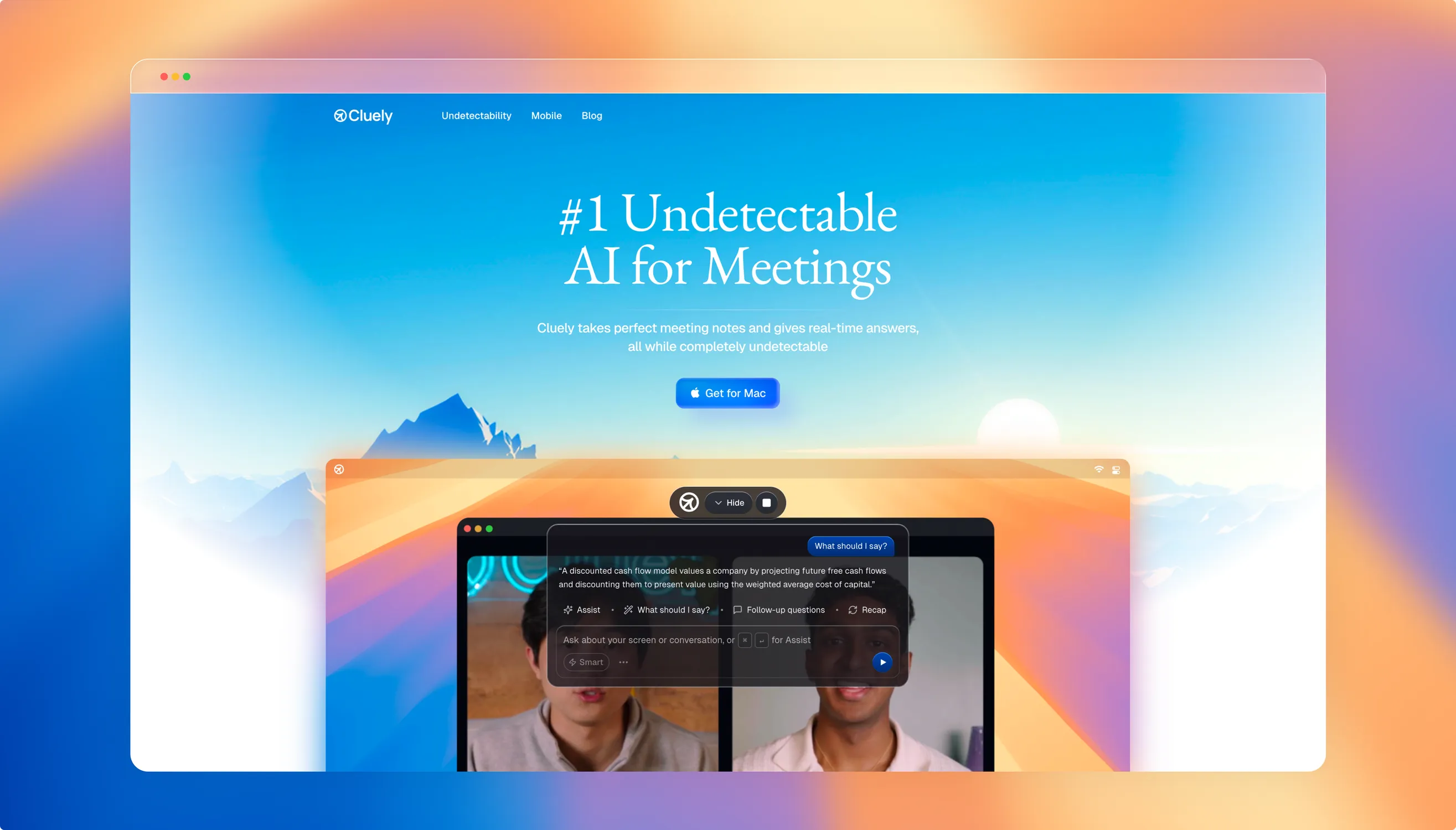
Help that stays out of the conversation
Cluely is a real-time AI meeting assistant. It listens to a call and surfaces answers through an invisible desktop overlay, so support arrives while the conversation is still happening. We redesigned the platform experience and the way the assistant behaves around a live meeting.
During a call a person is already listening, forming a response and reading the room. Anything the assistant shows competes with that.
The challenge was to make AI suggestions useful in a high-stakes conversation without pulling attention away from it.

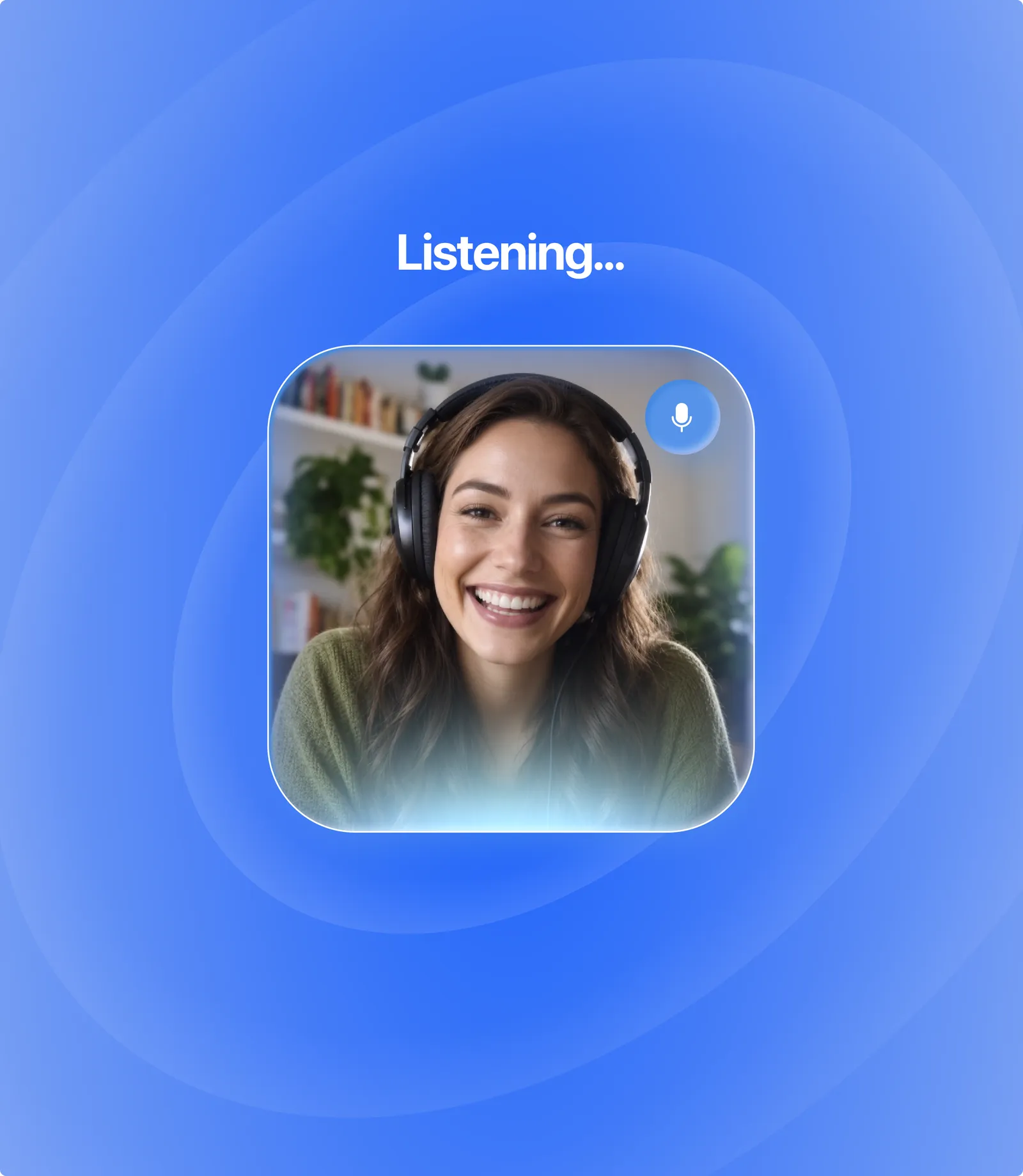
We treated attention as the central design constraint. A suggestion has to earn its place beside the conversation.
Our direction kept the assistant within easy reach without making it the main event.
We separated the prompt to act from the supporting detail, so a person could glance at a suggestion and decide whether to use it.


The assistant earns its place by being easy to ignore. It sits at the edge of the screen, speaks when it has something worth the interruption, and never joins the call as a participant.
Nothing about it announces itself to the other side of the conversation — no bot in the participant list, no badge on the call.
That restraint is the product. A suggestion that lands loudly in a client call is worse than no suggestion at all.

Give the meeting a second life
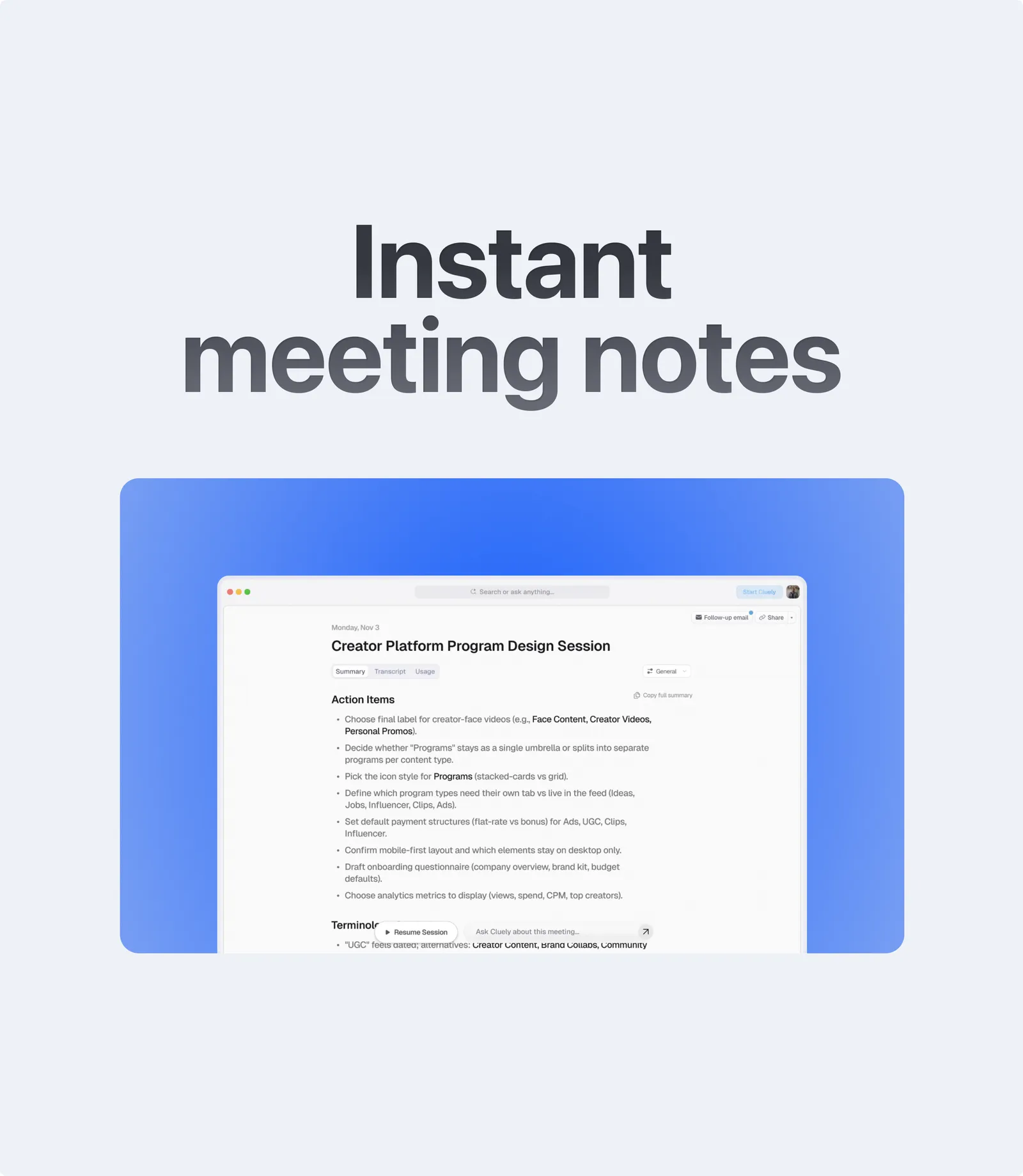
After the call the pace changes. The summary had to support deliberate reading rather than a quick glance, so we organized the screen around the conversation’s main points before the supporting detail.
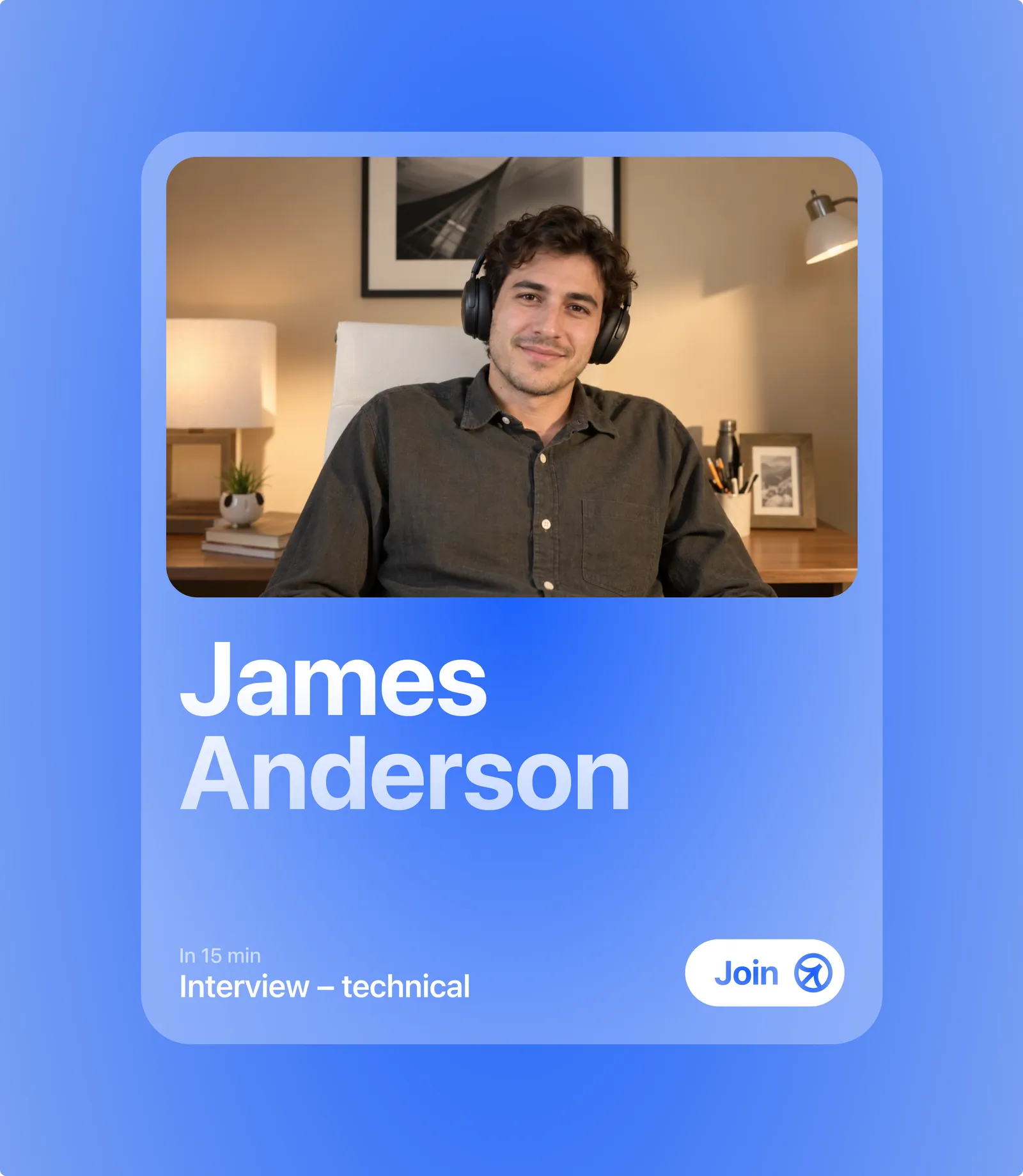
The summary also needed a clear relationship with the meeting it described. We kept that context near the content, so a person could recognize the conversation before relying on its recap.
The design direction favored a useful review surface over another stream of assistant output.

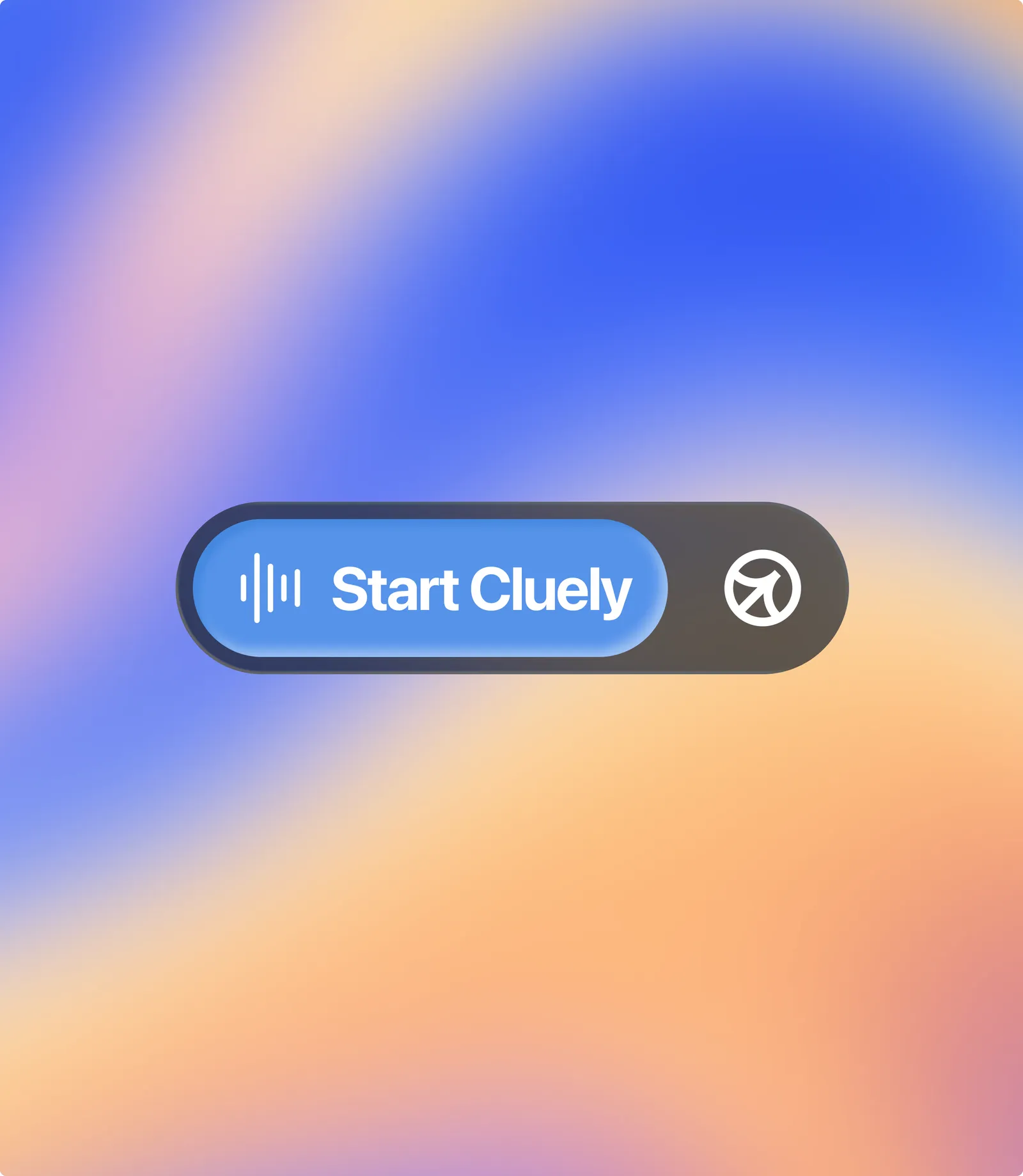
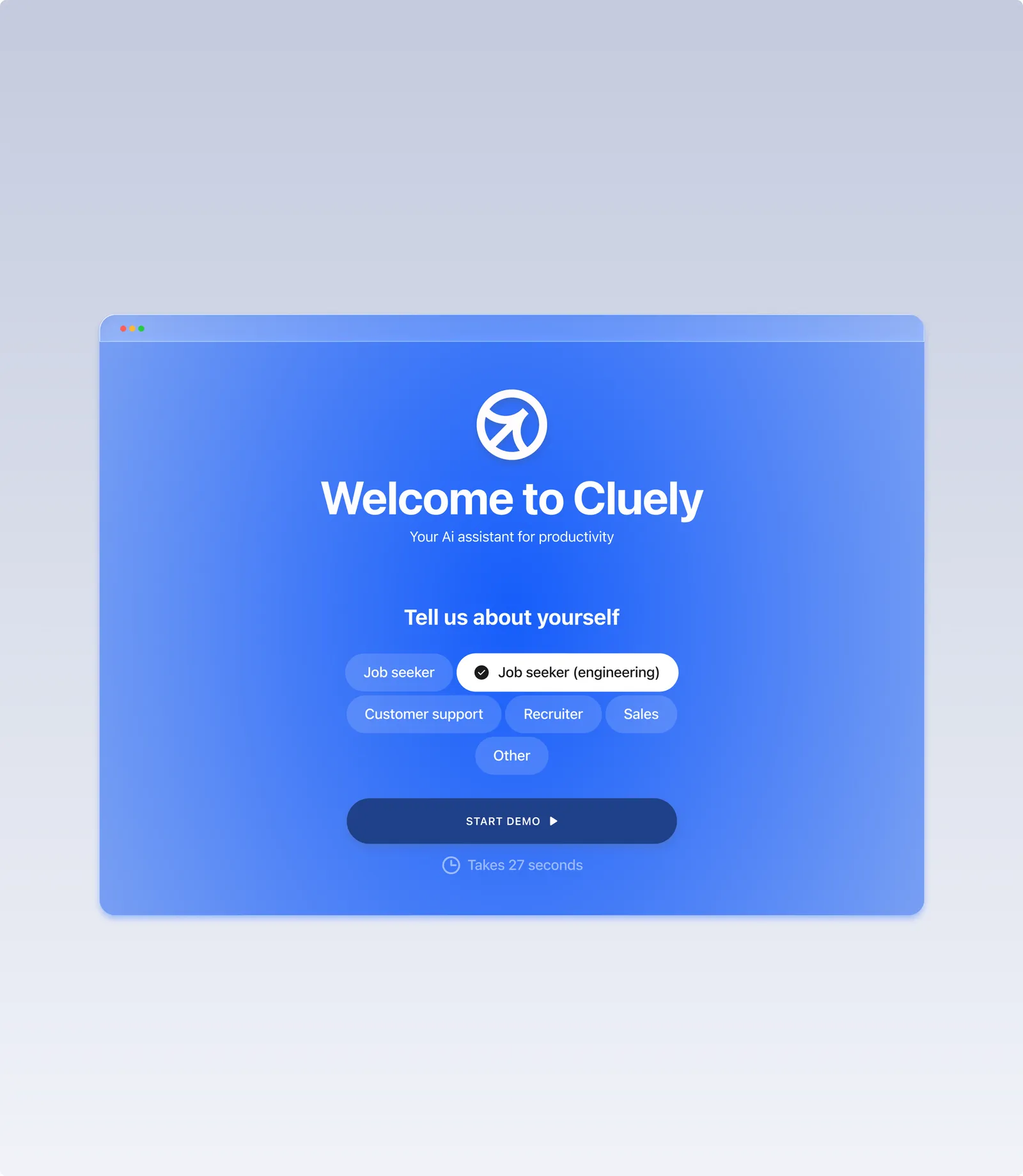
The first run had to be over before the first meeting. We built the setup around one question — what are you walking into? — and let the assistant tune itself to the answer.
A sales call, an interview and a seminar each want different help, so the welcome screen asks which one you are in before it suggests anything.
Everything else waits. The demo runs in under half a minute, and Cluely is ready the next time a call starts.


Related work
 FuturproofA brand that makes an AI rent forecast feel like something you can act on.
 AI and robotics conferenceBrand identity and digital experience for Actuate, a one-day AI and robotics developer summit.
 FanDuelProduct design for the FanDuel sportsbook: the bet slip, the team and league browsing, the promotions and the live game views, on the phone and on the desktop.



