Logitech: From blank page to launch for Logitech’s hybrid office platform

The desk stopped being personal
When offices went hybrid, the desk stopped being personal. People now arrive without knowing where they will sit, whether the desk has the right monitor, or whether their team is even in that day. Logitech set out to solve this with Logi Dock Flex — a managed dock that turns any shared desk into a bookable one.
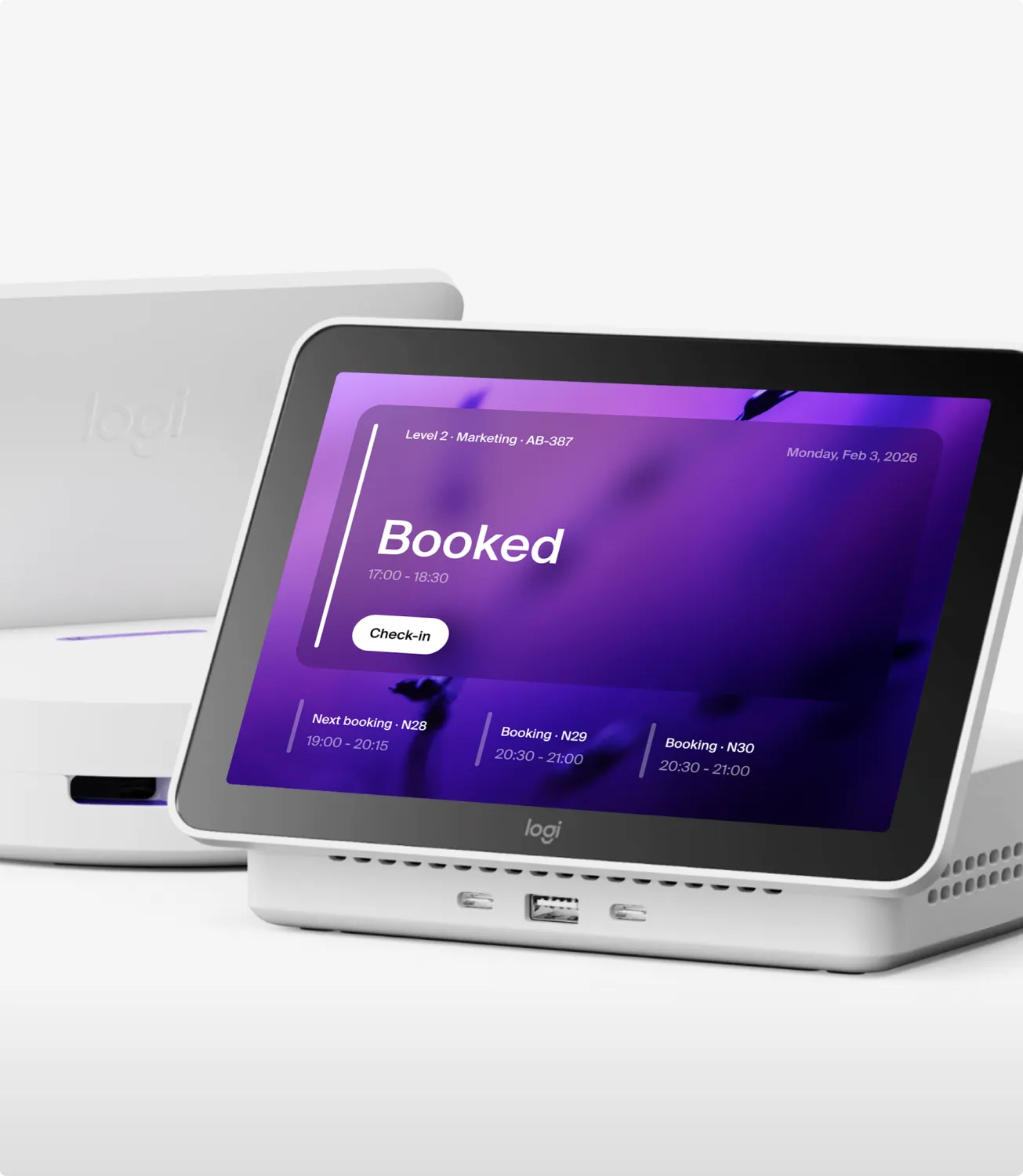
We designed the interface layer of that system: the booking app people use every morning, the on-desk experience, and the admin tools IT uses to run it.
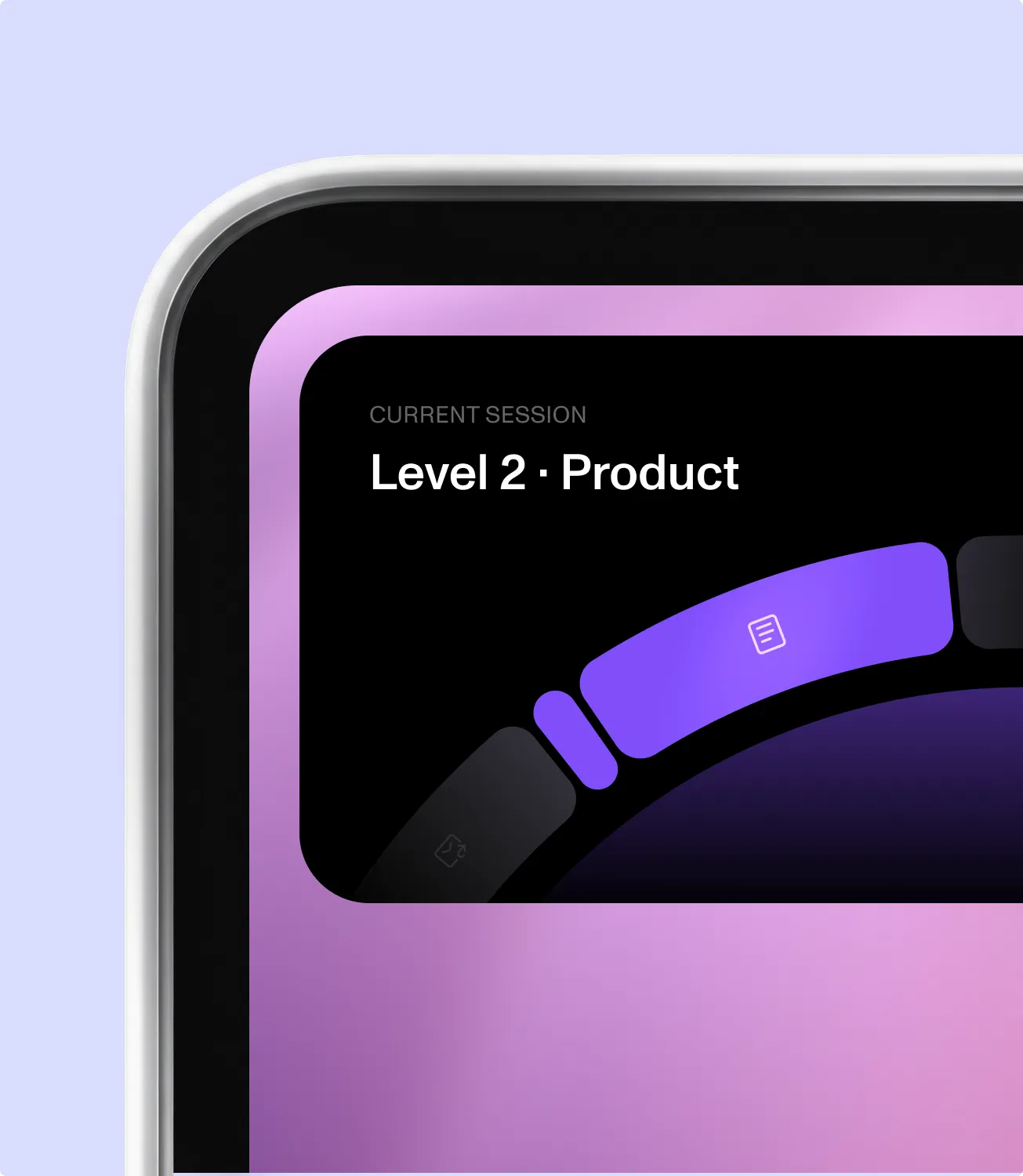

Find a desk in seconds
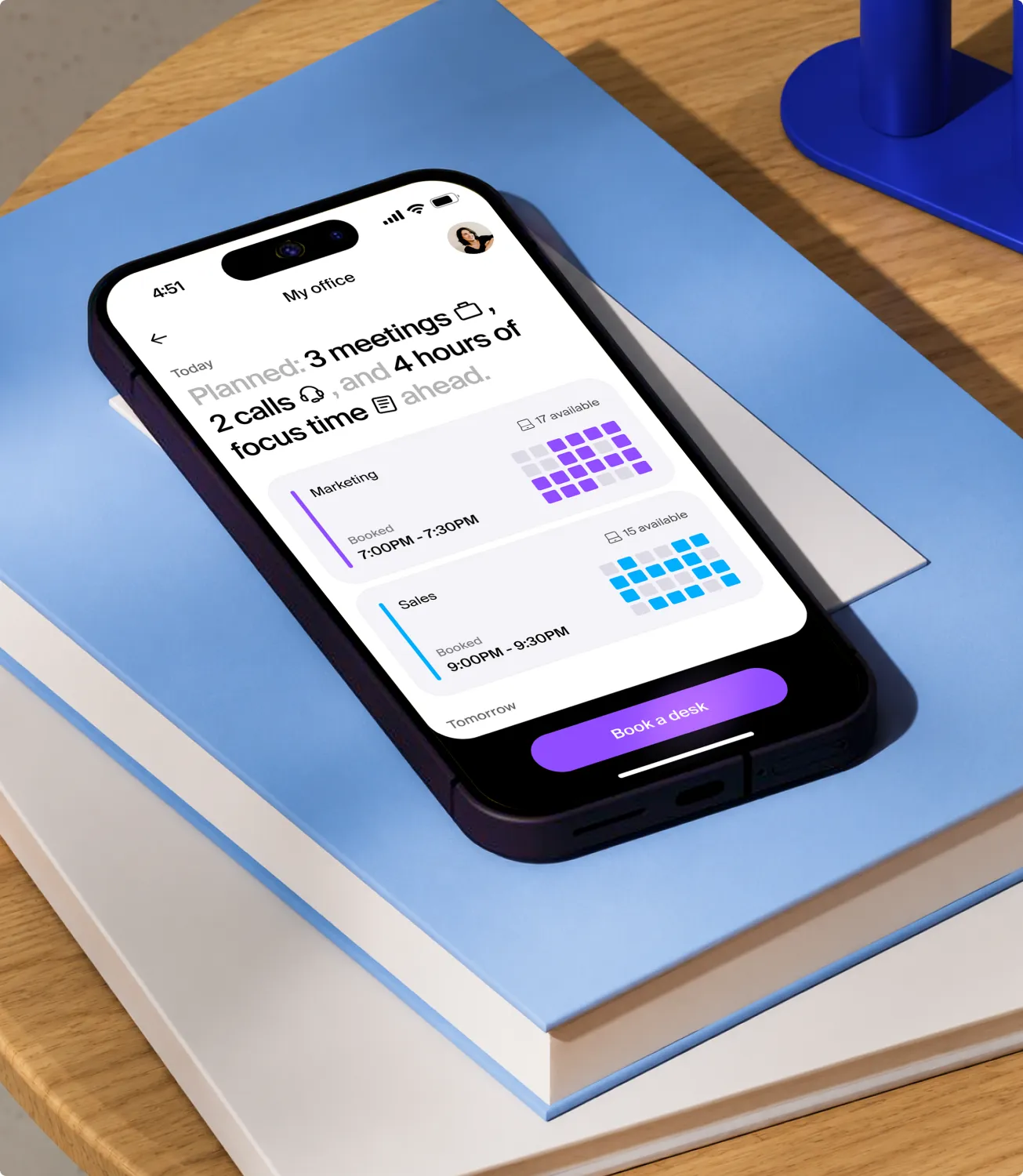
Booking a desk should take less attention than making coffee. The app opens on an interactive floor plan of the office, so the first thing people see is their actual workplace — not a list of room codes.
From there, filters do the narrowing: equipment, location, type of working space, floor. A desk with dual monitors near the design team is two taps away, and the map updates as the filters change.
The flow is built around one assumption: most bookings are repeats. Yesterday’s desk, a teammate’s neighbor, the same seat every Tuesday — these are surfaced first, so the common case never requires a search.

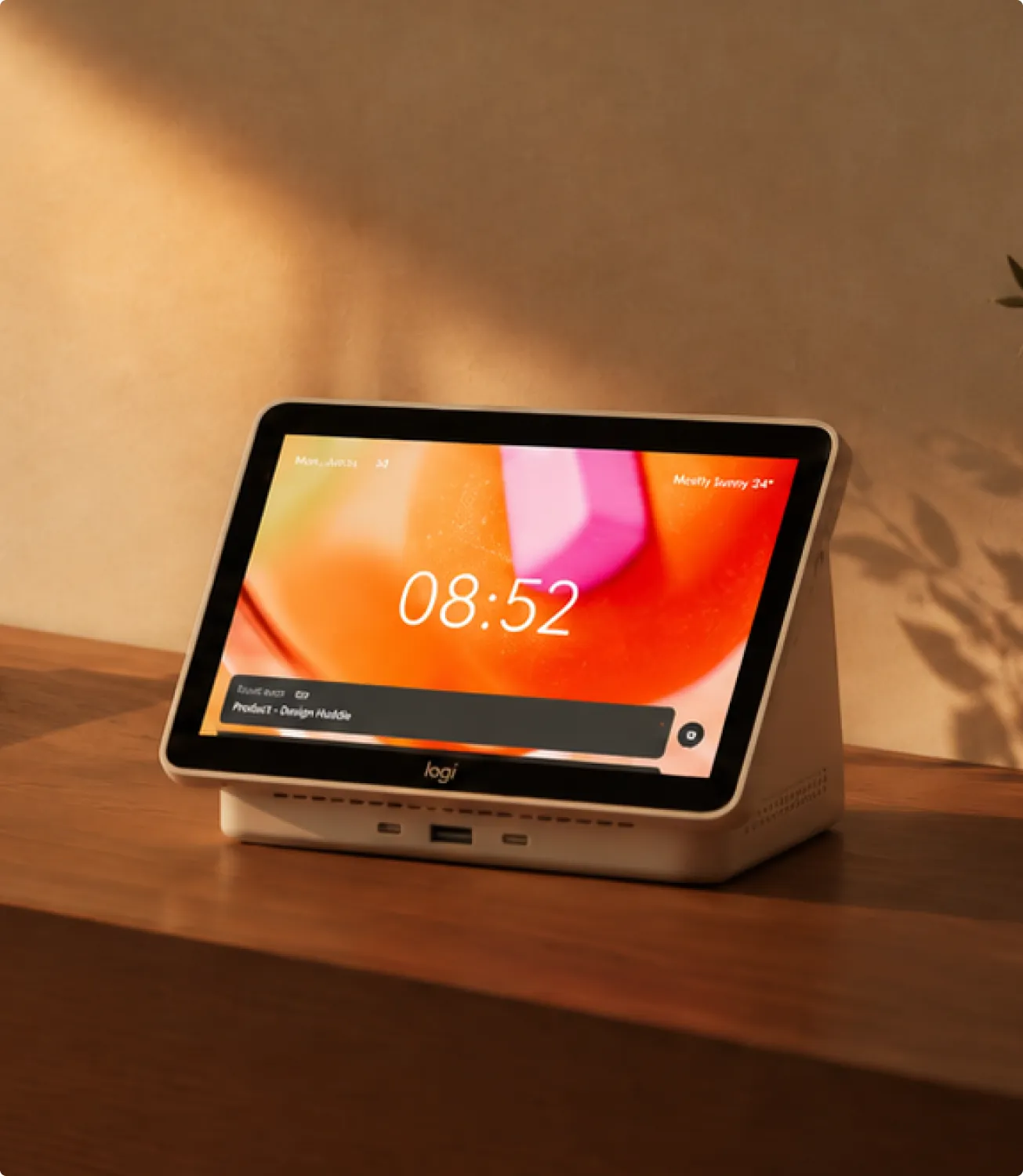
One system, many surfaces.
A desk booking product lives in at least four places at once: a phone in a lift, a desktop app, a screen on the desk, and an admin console on a large monitor.
What people notice is the absence of friction: they arrive, plug in, and the office simply works.
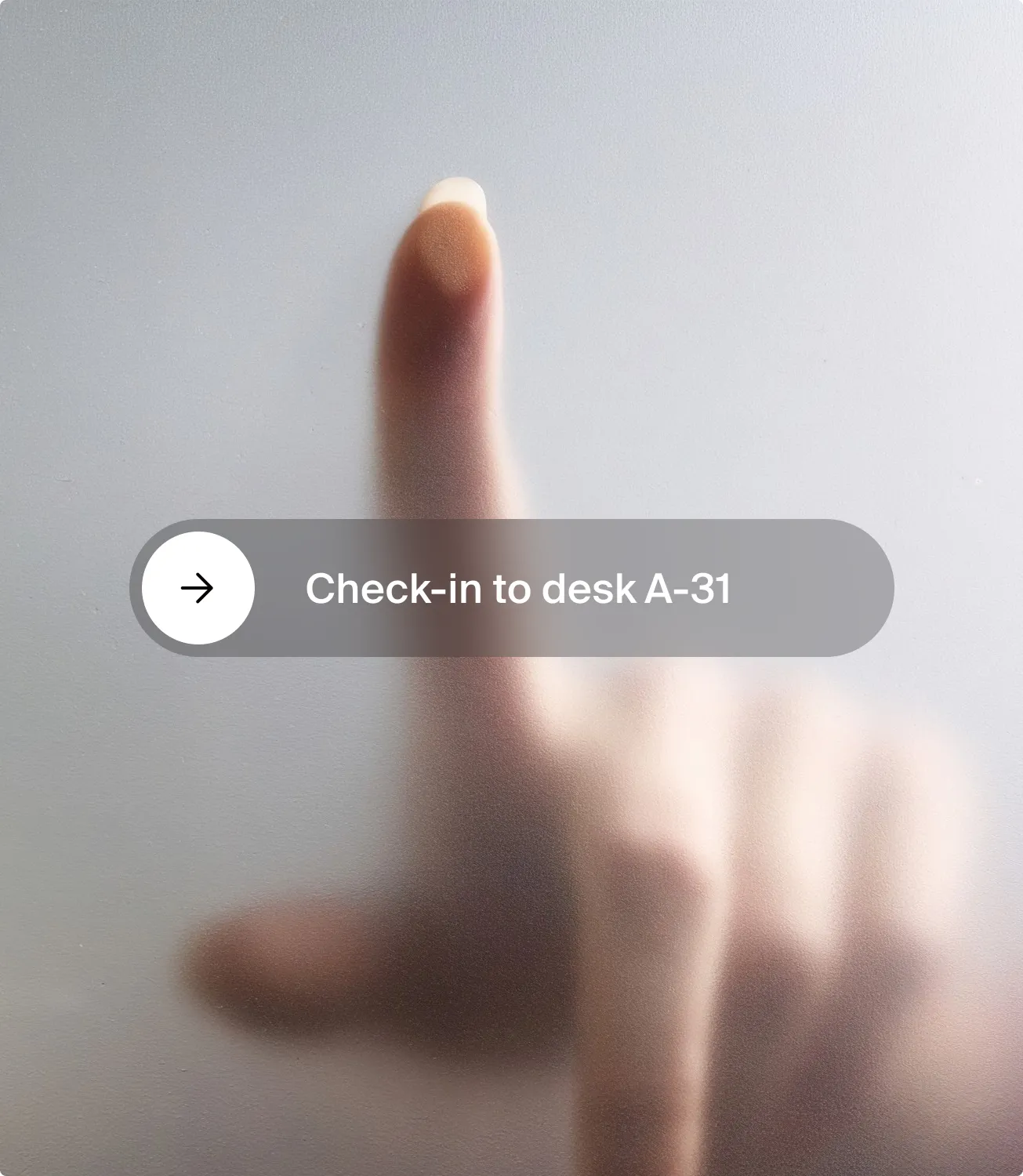
The dock removes the extra step. When a person connects their laptop, the desk is claimed — no scan, no confirmation screen, no forgotten check-in that releases the booking.
For desks without a dock, the same flow works from a printed QR code, so an office can roll out gradually instead of all at once. Both paths lead to the same state, and the interface never asks the user to know which one they are in.
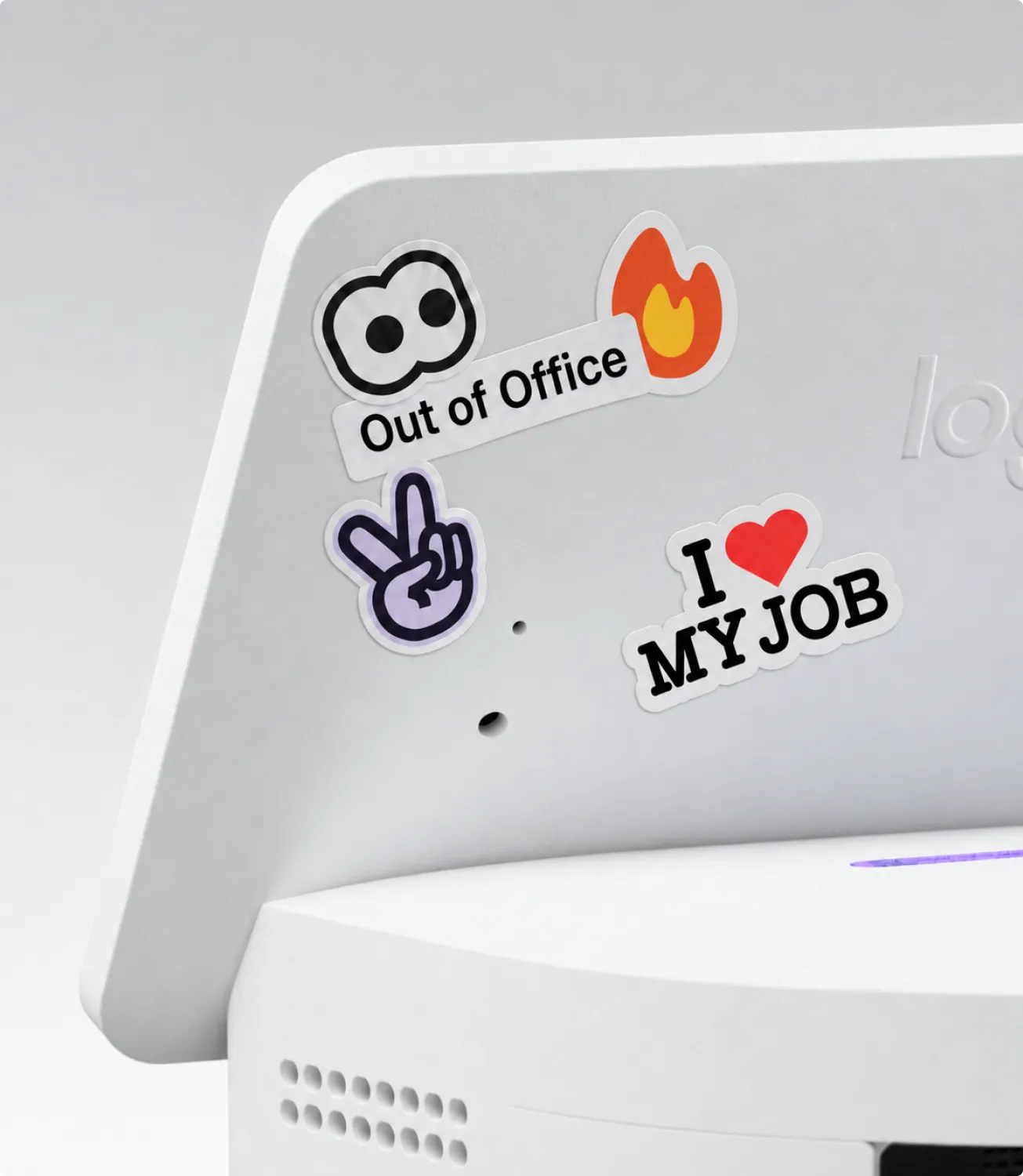
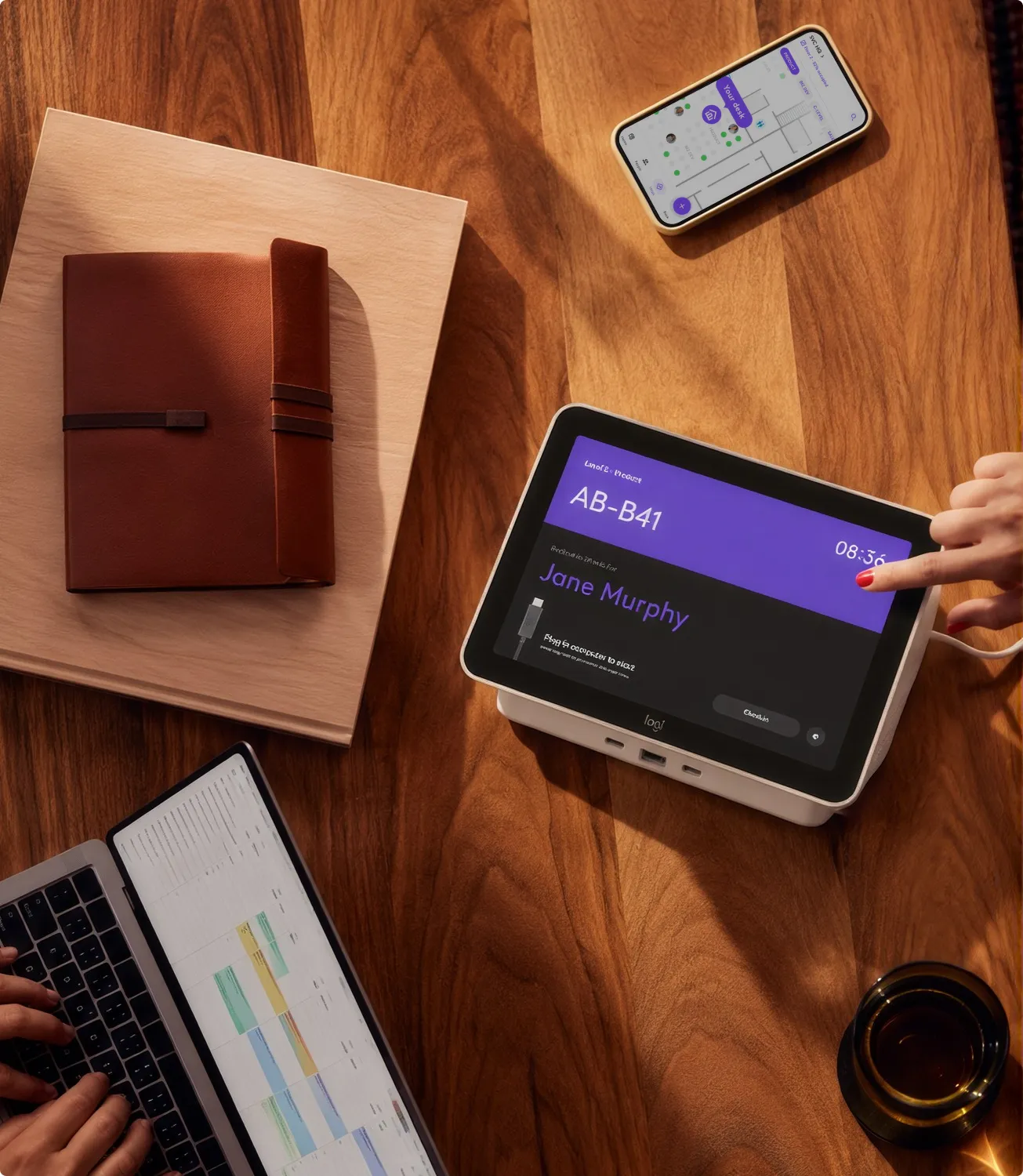
Behind every booking is an office that someone has to configure. In the Sync portal, admins draw floor plans, define desks and their equipment, set access for user groups, and decide the policies — how long a desk is held, whether check-in is enforced, how far ahead people can book.
Usage data closes the loop. Because check-in happens through the dock, occupancy numbers reflect who actually showed up, not who intended to. Facility teams use that to size floors, retire dead zones, and plan the next office.
Designing for this side meant a different rhythm: dense tables, bulk actions, and settings that are safe to change on a Monday morning with 800 people in the building.

Impact
Ready in time for launch
Logitech came to us with new hardware and a launch date. We defined the experience layer that turns a dock into a managed workplace product — booking, check-in, and administration in one system — and had a production-ready design system in 4 weeks, shipped alongside Logi Dock Flex in 2023.
- 4 weeks
from a blank page to a production-ready design system
- 4
surfaces in one system: phone, desktop, the screen on the desk, and the admin console
Related work
 TinderMarketing strategy, brand voice, and mobile design across Tinder’s family of dating apps.
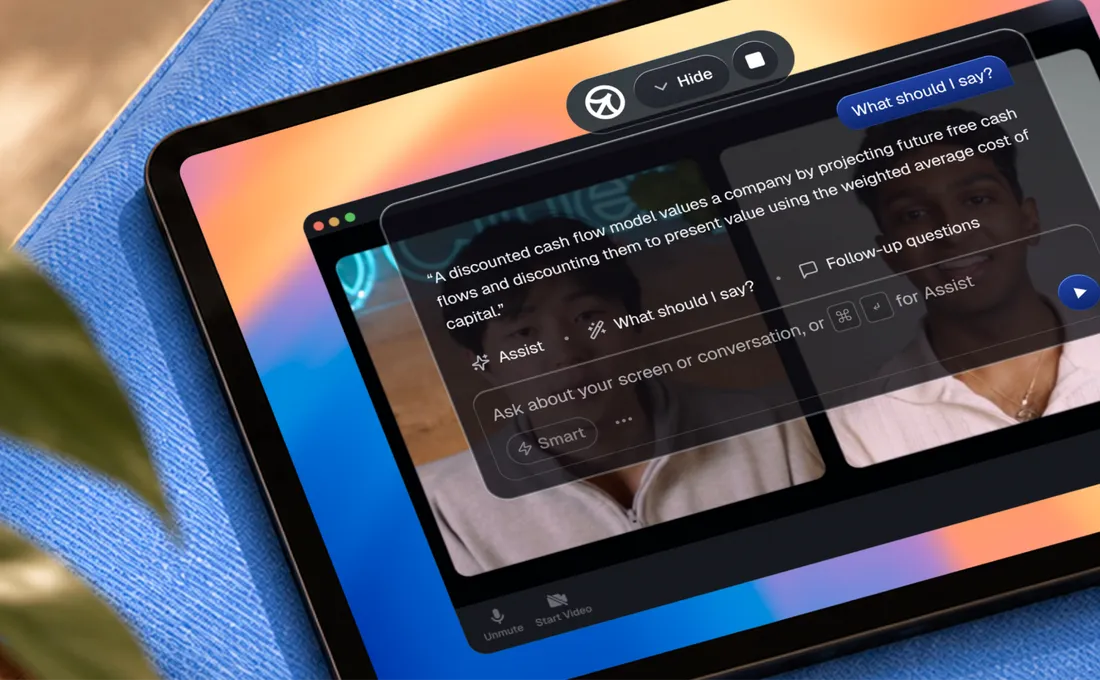 CluelyPlatform UX for Cluely, a real-time AI meeting assistant that surfaces answers through an invisible desktop overlay while the call is still running.
 Luna RingWe redesigned the Luna Ring app so sleep, recovery and activity data reads as plain daily guidance instead of a wall of numbers.



