Website design for SaaS, starting with the pricing page
A SaaS site has three jobs: get the visitor into the product, survive a side-by-side comparison, and give sales pages worth sending. We design those first. The hero animation comes last.
Why SaaS teams bring us in
Most SaaS sites are read backward: pricing first, the homepage never.
So the pricing page gets designed first, and it gets the most attention.
What we design on a SaaS site
The pages that carry the funnel, in the order they usually need work.
- 01PricingPlans, per-seat and usage, the comparison table, the enterprise path, and the “none of these fit” route.
- 02Trial and signupThe shortest honest path into the product, including SSO, invites, and the first-run handoff.
- 03Feature and use-case pagesThe pages sales sends after a call, written to answer the objection they just heard.
- 04IntegrationsThe page that closes deals in tooling-heavy categories, structured to scale past 20 entries.
- 05Security and complianceThe page procurement always opens. We design it to answer their checklist directly.
- 06Customer proofCase studies, logos, and quotes arranged so a buyer finds the one that looks like them.
- 07Docs and support entryThe bridge from marketing pages into documentation, usually the least designed part of a SaaS site.
- 08Component librarySections and tokens your marketing team recombines for launches and campaigns.
Designed around how SaaS buyers actually read
Three things we design around on every SaaS site.
The pricing page is the product page
It is where the tabs land, where the decision is made, and where the questions the homepage avoided come due. Plan boundaries, overage, seats, and the annual toggle are design work, not a table someone fills in at the end.
Nobody buys before seeing it work
Screenshots of an empty dashboard sell nothing. We design the site around the product doing something real — a state worth looking at, a before and after, a short loop — and around what happens the moment someone clicks start.
The buyer is not the only reader
Security review, procurement, and an engineer checking the integrations list all arrive on the same site. Each needs a page that answers their question without a call, or the deal waits a week for one.
SaaS work we have published
Two published cases where the product and the site were designed together.
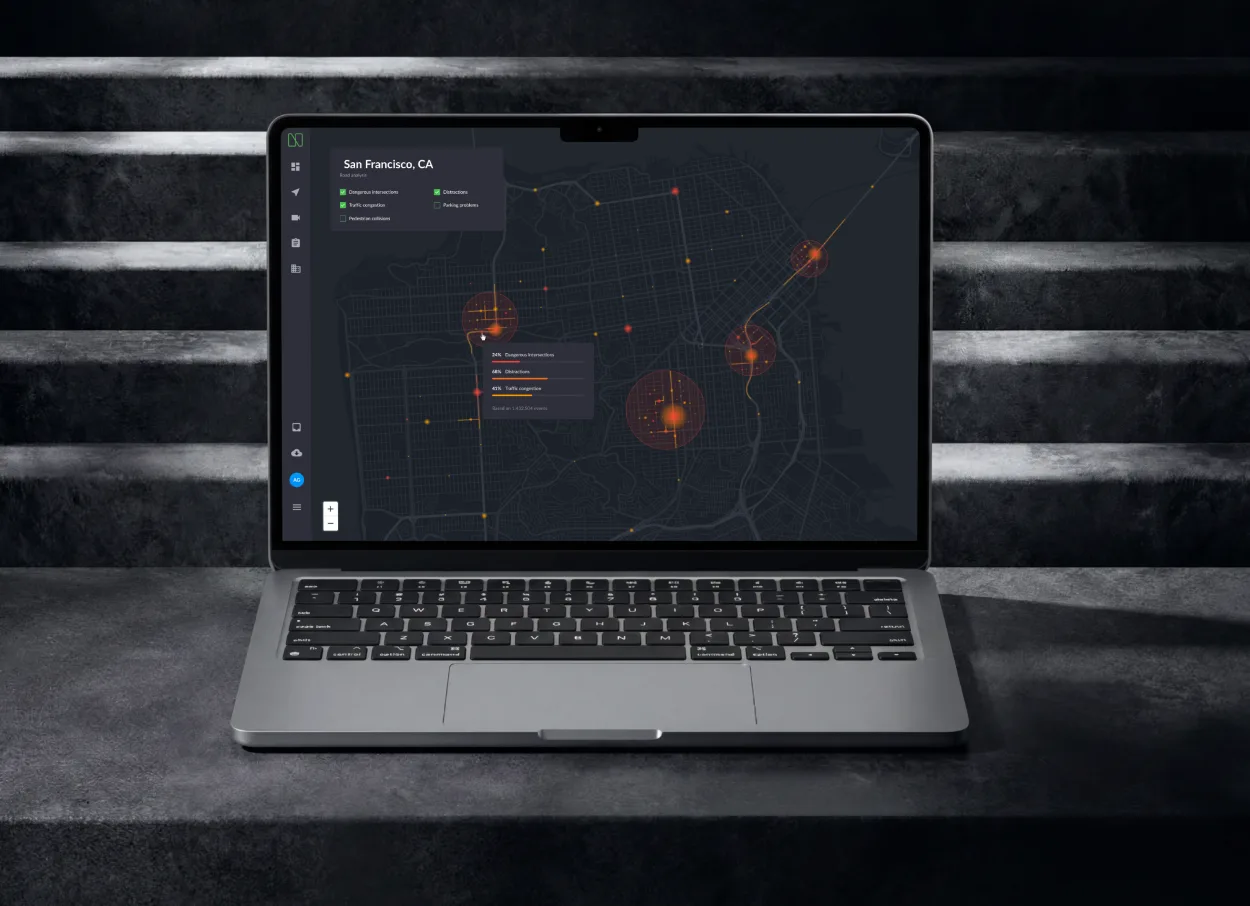
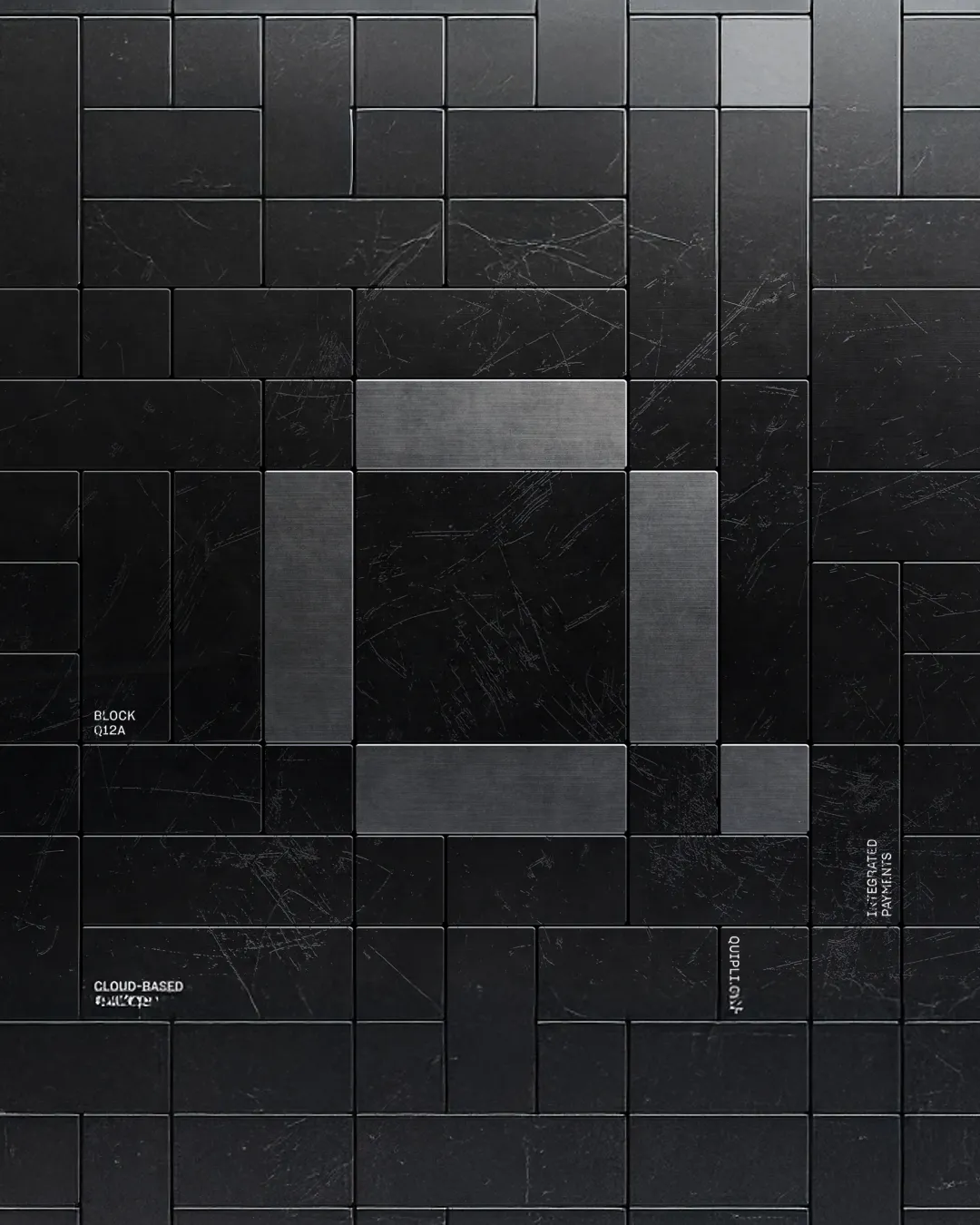
Quipli
A unified SaaS platform for independent equipment rental companies. Product and marketing experience, redesigned for scale.
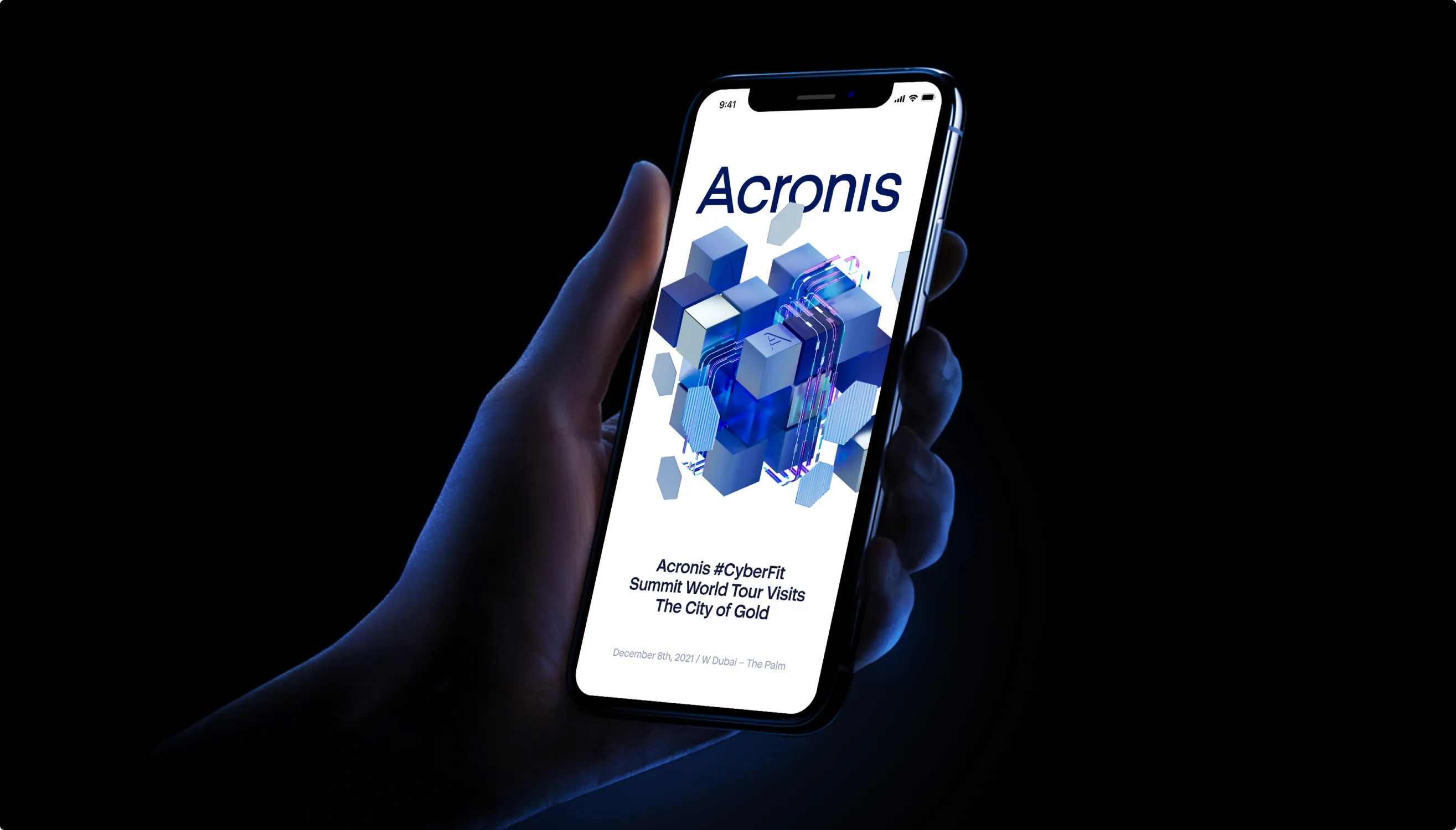
Acronis
The web and mobile experience that runs the Acronis summit. Acronis protects 750,000 businesses.
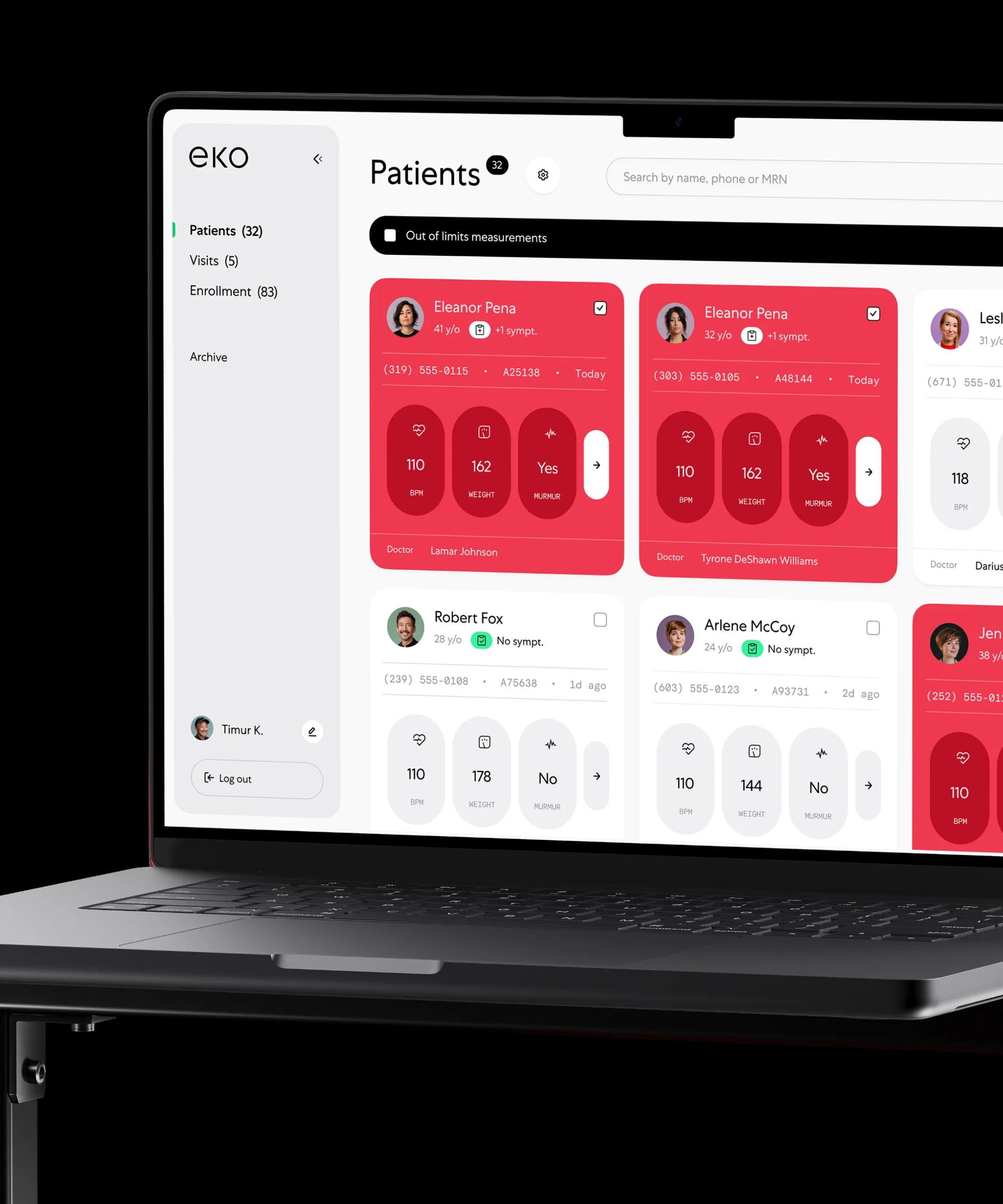
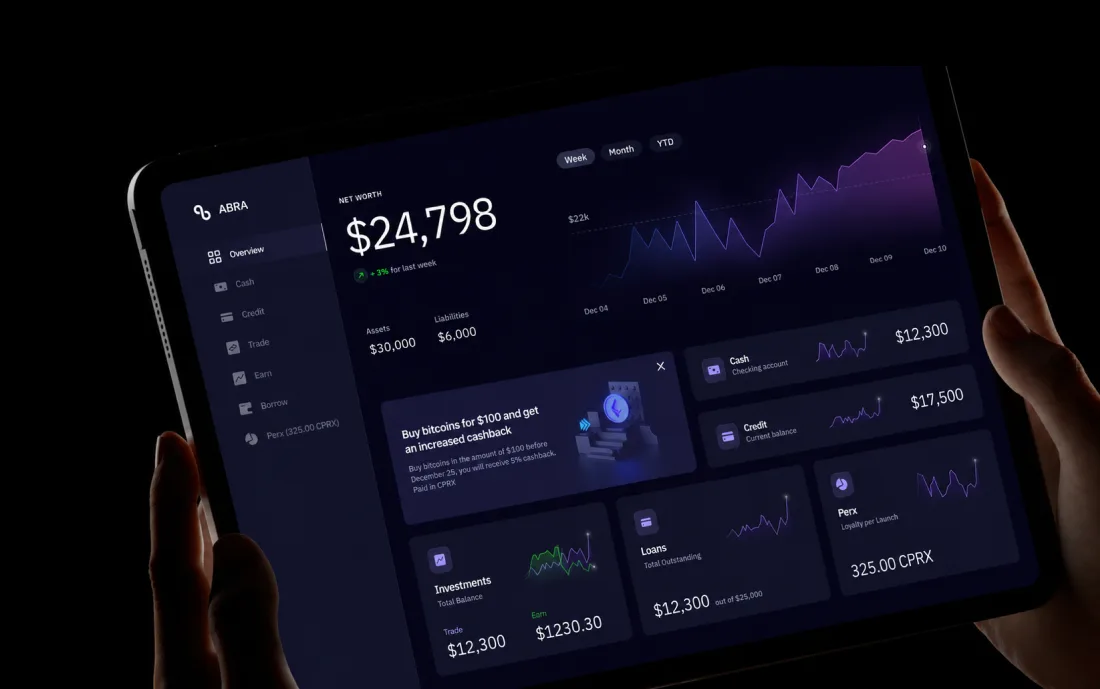
Dashboard design for SaaS
What happens after signup: the screen that decides whether the trial converts.
From idea to launch
Read the funnel first, redraw second.
Funnel read
Which pages carry the traffic, which ones lose it, and what the sales team is asked repeatedly.
Pricing and positioning
Plans, boundaries, and the wording, designed before anything else on the site.
Page system
Feature, use-case, and integration pages as one template set your team can extend.
Design system
One component library across the site and the product, handed over in code.
Ship and measure
Release, then read signup and trial numbers against where we started.
 Nexar
Nexar“I was impressed by their flexibility and willingness to adapt to our schedule even though it wasn’t always convenient.”
Rachel Rosenson · Product Designer
Read the full review
Join hundreds of teams. And counting.






































See what this would look like on your product.
Send the product and the deadline. You get a reply within 24 hours with the closest cases, a timeline and an estimate.
Questions?
Do you redesign pricing pages on their own?
Yes. A pricing page redesign is often the highest-return single project on a SaaS site. It also needs the most input from you: plan structure, margins, and the enterprise threshold are commercial decisions, and we design around them.
Can you work in Webflow, or do you hand off to our developers?
Either. We hand over a documented system your developers can build. On engagements that include our AI infrastructure service, agents commit production front-end from that system, with a human reviewing before merge. If your stack cannot build a design, we catch that in the first week.
How do you keep the marketing site consistent with the product UI?
One token set across two surfaces. When the product design system changes, the site inherits the change, and the agent layer makes that automatic. The AI infrastructure page describes the same problem as design-system drift.
Do you do SEO work as part of the site?
We design for SEO structurally: one clear H1 per page, headings that match real queries, FAQ answers written into the page text, structured data, fast pages, and a URL scheme that scales. We do not sell link building or content farming.
How do you know whether the site worked?
We agree the numbers before the work starts — signup and trial starts, pricing-page exit rate, how often sales still has to answer a question the site should have — and read them after release. If one did not move, we say so and tell you what we think it costs to move it.
Can our marketing team ship pages without us?
That is the point of the page system. Feature, use-case, and integration pages are templates with real rules, so a new page is content rather than a design project. We hand over the library and the rules with it.



Last updated



